

online store
bookings
events
popup

VAT Toggle: Prices Excl VAT
By
Show prices with or without VAT in one click
No Reviews Yet
7 day free trial

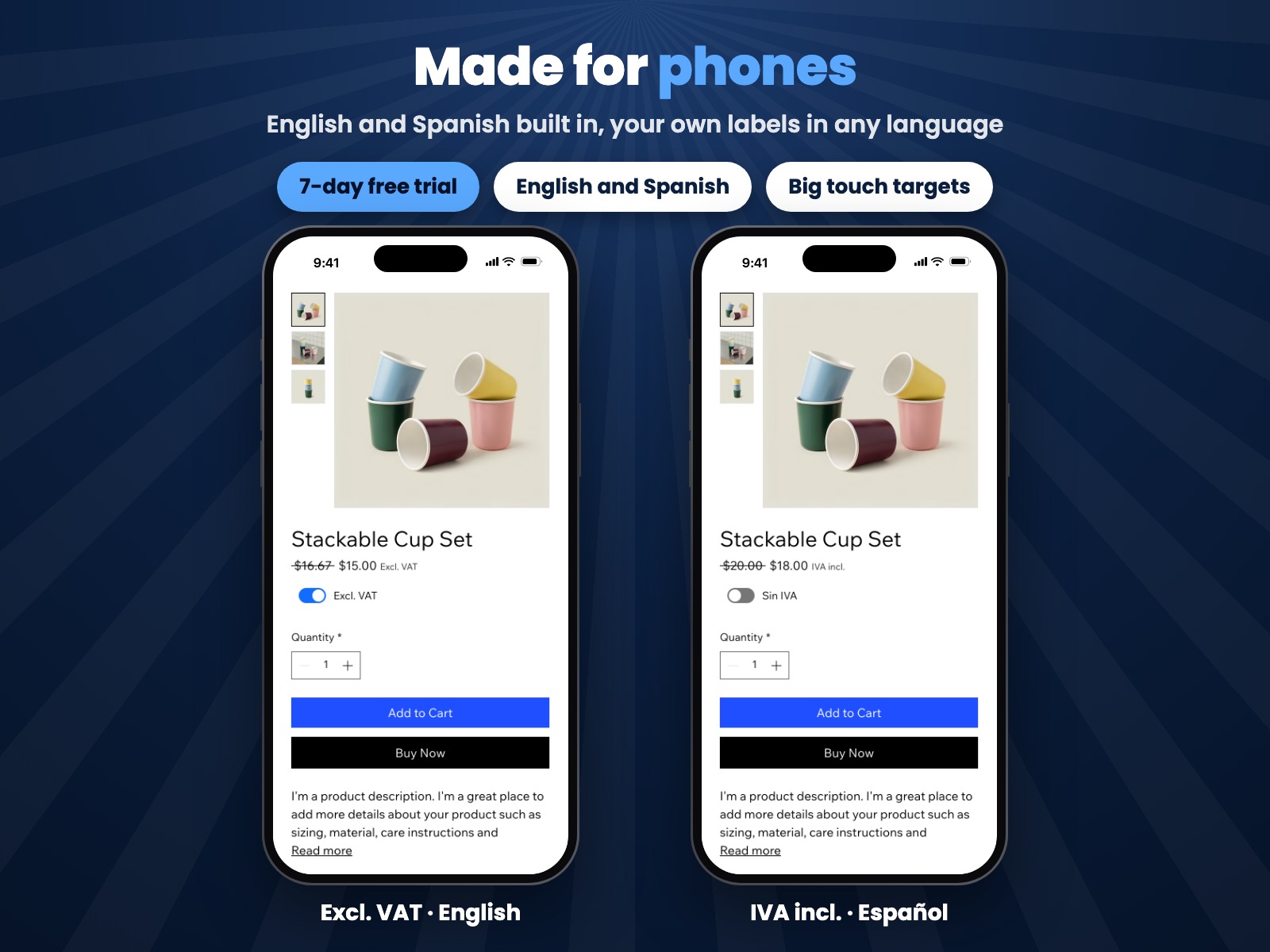
VAT Toggle: Prices Excl VAT overview
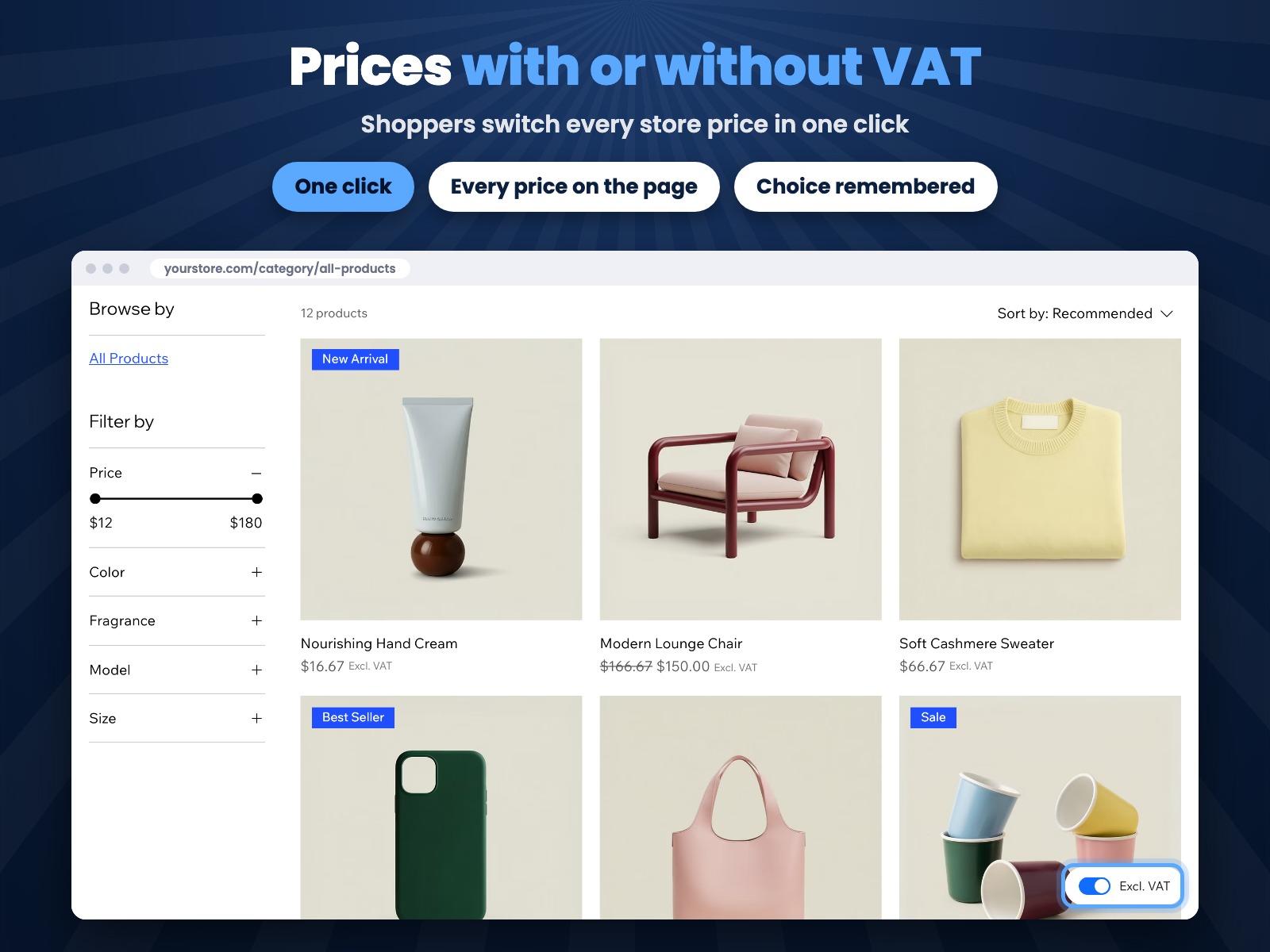
- Shoppers switch every store price between incl. and excl. VAT in one click
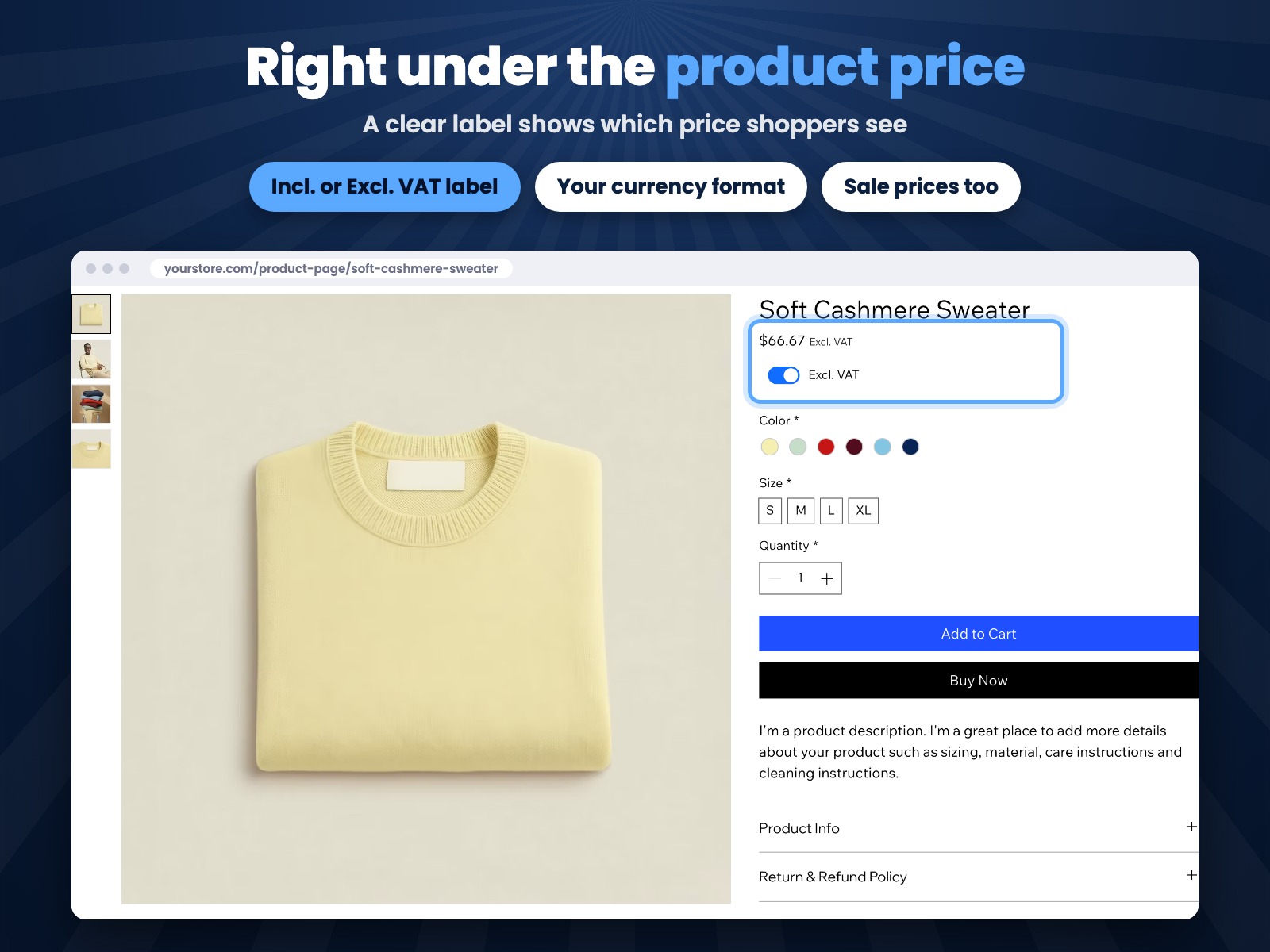
- Prices keep your currency format and get a clear Incl. or Excl. VAT label
- A switch in the corner of pages with prices or right under the product price
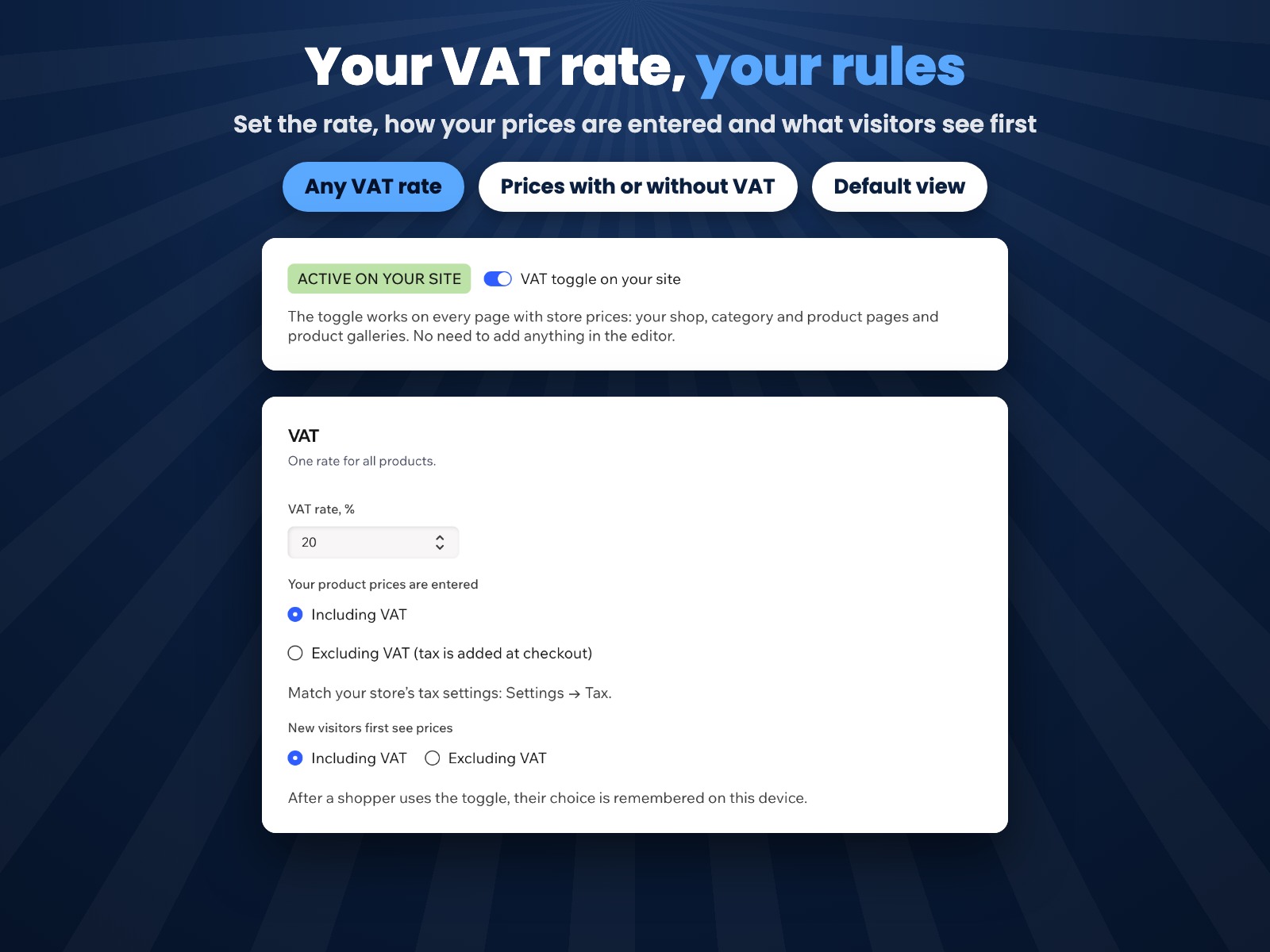
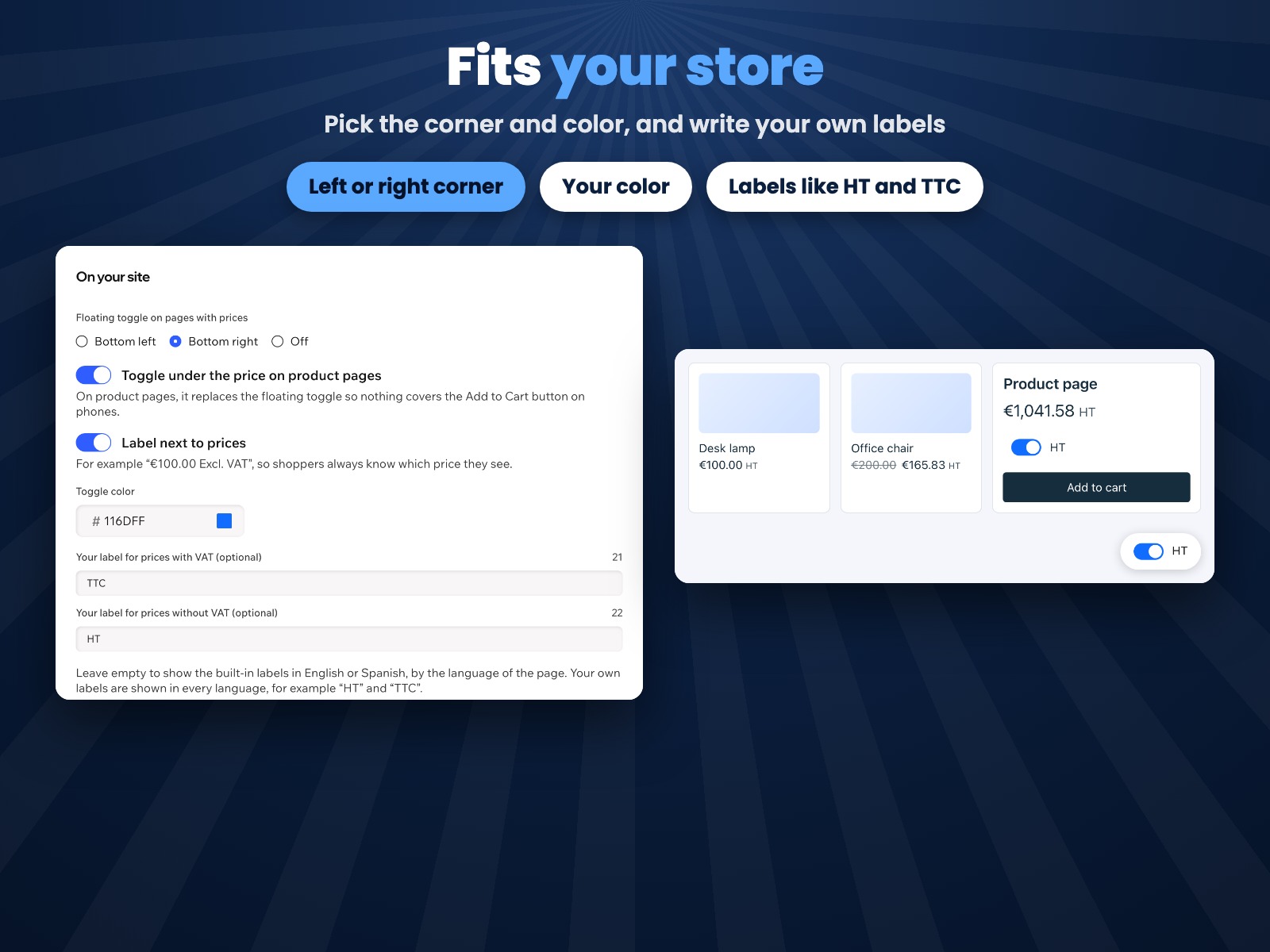
- Set your VAT rate, what new visitors see first, colors and your own labels
Rating & Reviews
This app hasn’t received any reviews yet, be the first to rate it.Pricing & plans
This app offers a 7-day free trialPro plan
$
2
39
/month
$299
Incl./excl. VAT switch for shoppers
Prices recalculated in your format
Switch under the product price
Your VAT rate, colors and labels
* Price is in USD.