

online store
bookings
events
popup
Simple Product Personaliser
By
Product personalisation with a live preview
No Reviews Yet
14 day free trial

Simple Product Personaliser overview
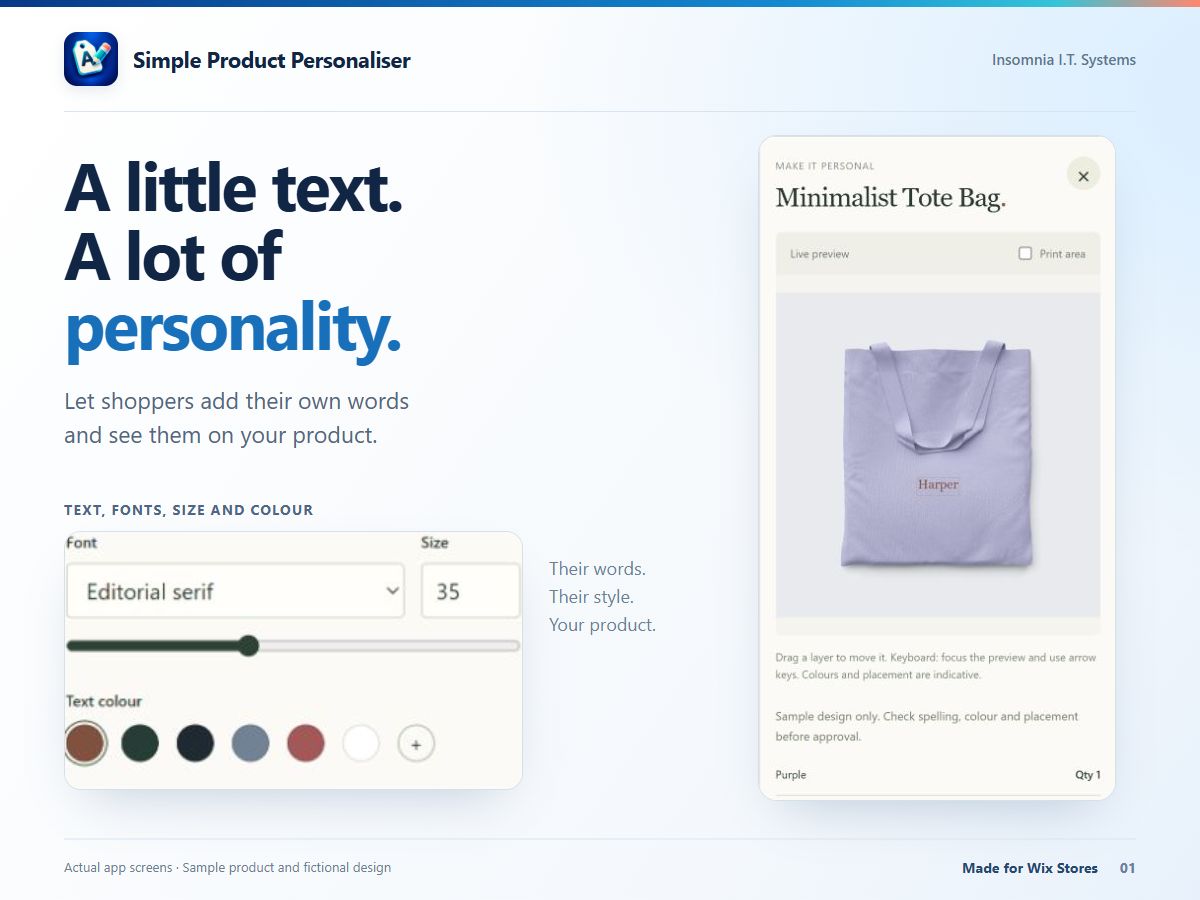
- Let shoppers add text, fonts, colours and built-in artwork
- Set a personalisation area and text limits for each product
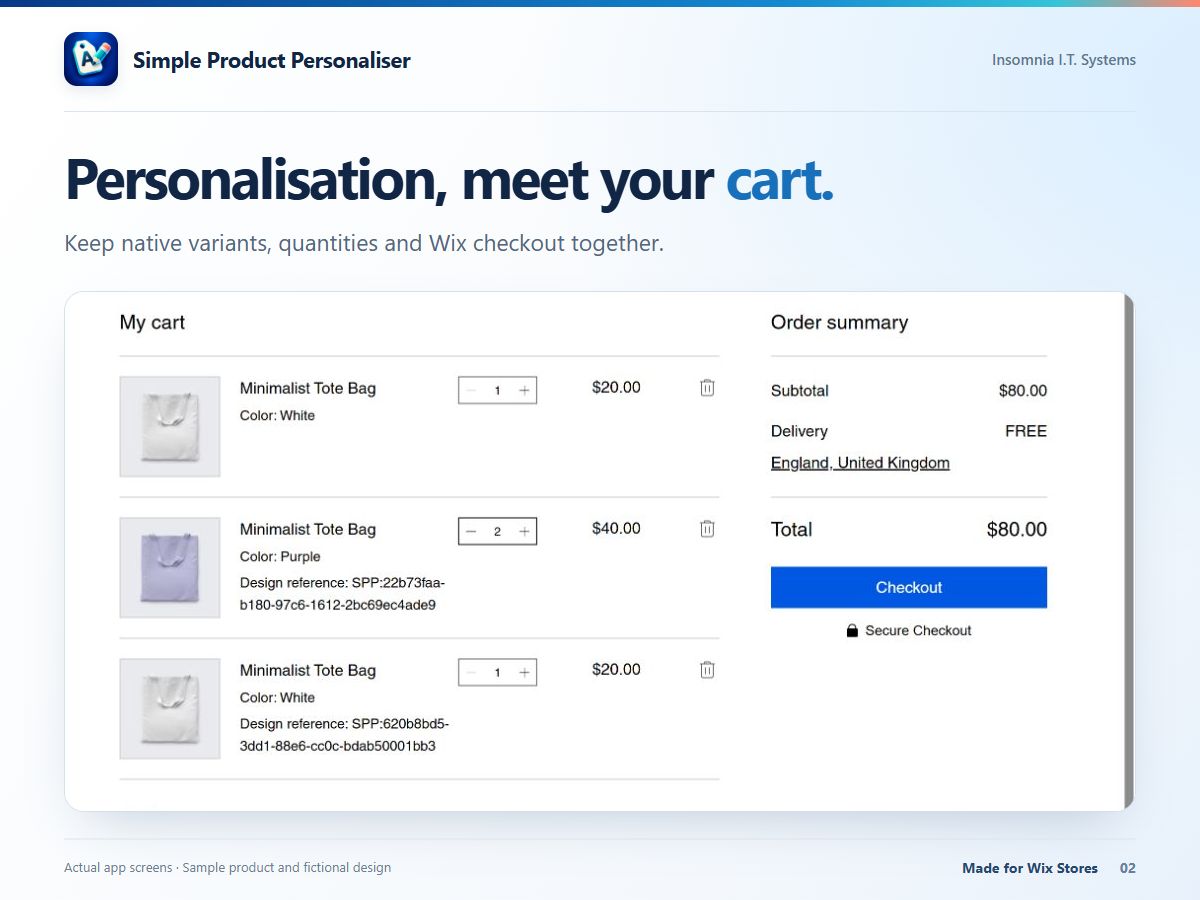
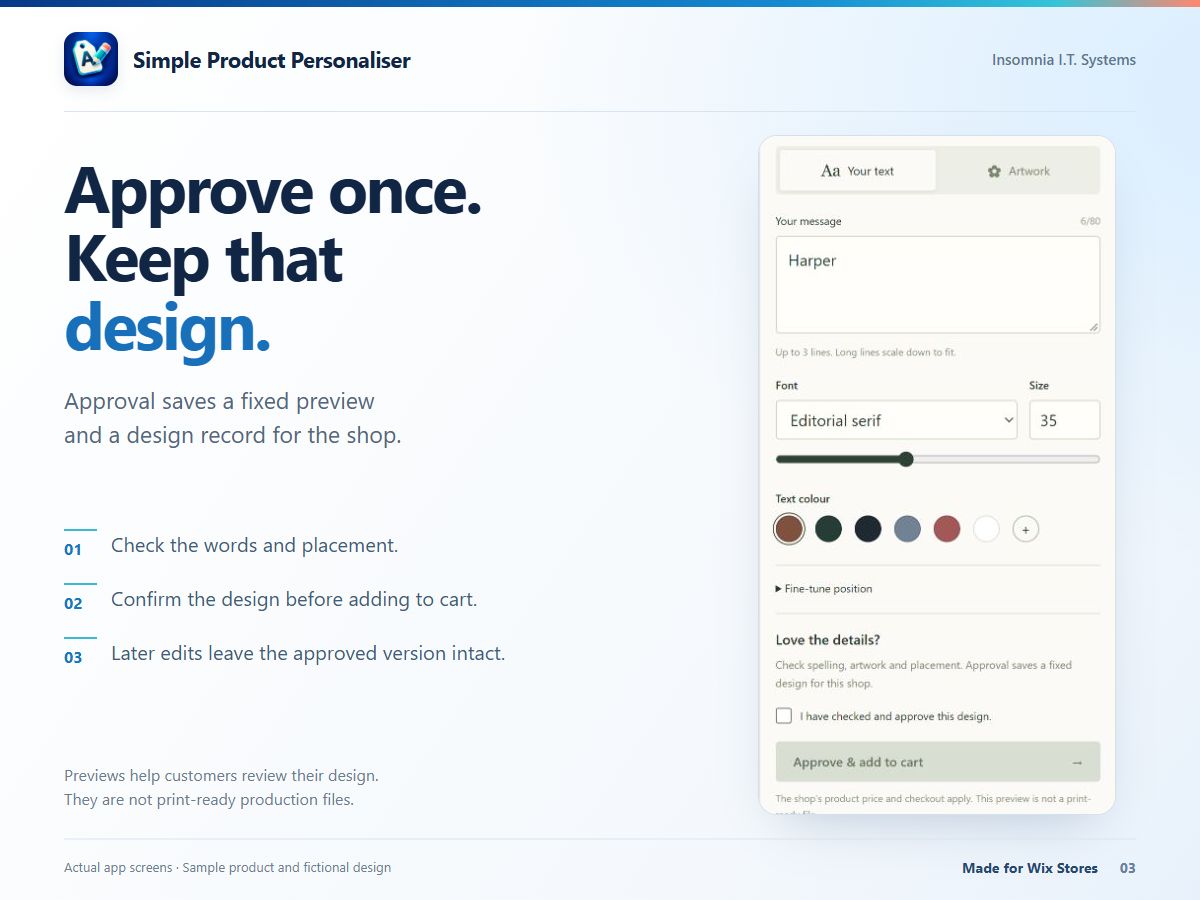
- Keep an approved preview and design specification with an order reference
- Keep native product prices, supported variants, cart and checkout
Rating & Reviews
This app hasn’t received any reviews yet, be the first to rate it.Pricing & plans
This app offers a 14-day free trialPremium plan
$
8
25
/month
Text, fonts, colours and motifs
Per-product placement and text limits
Saved approvals and merchant previews
Native product variants and cart
* Price is in USD.