

online store
bookings
events
popup

Free Shipping Bar Goals
By
Free shipping bar that counts like your checkout
No Reviews Yet
Free plan available

Free Shipping Bar Goals overview
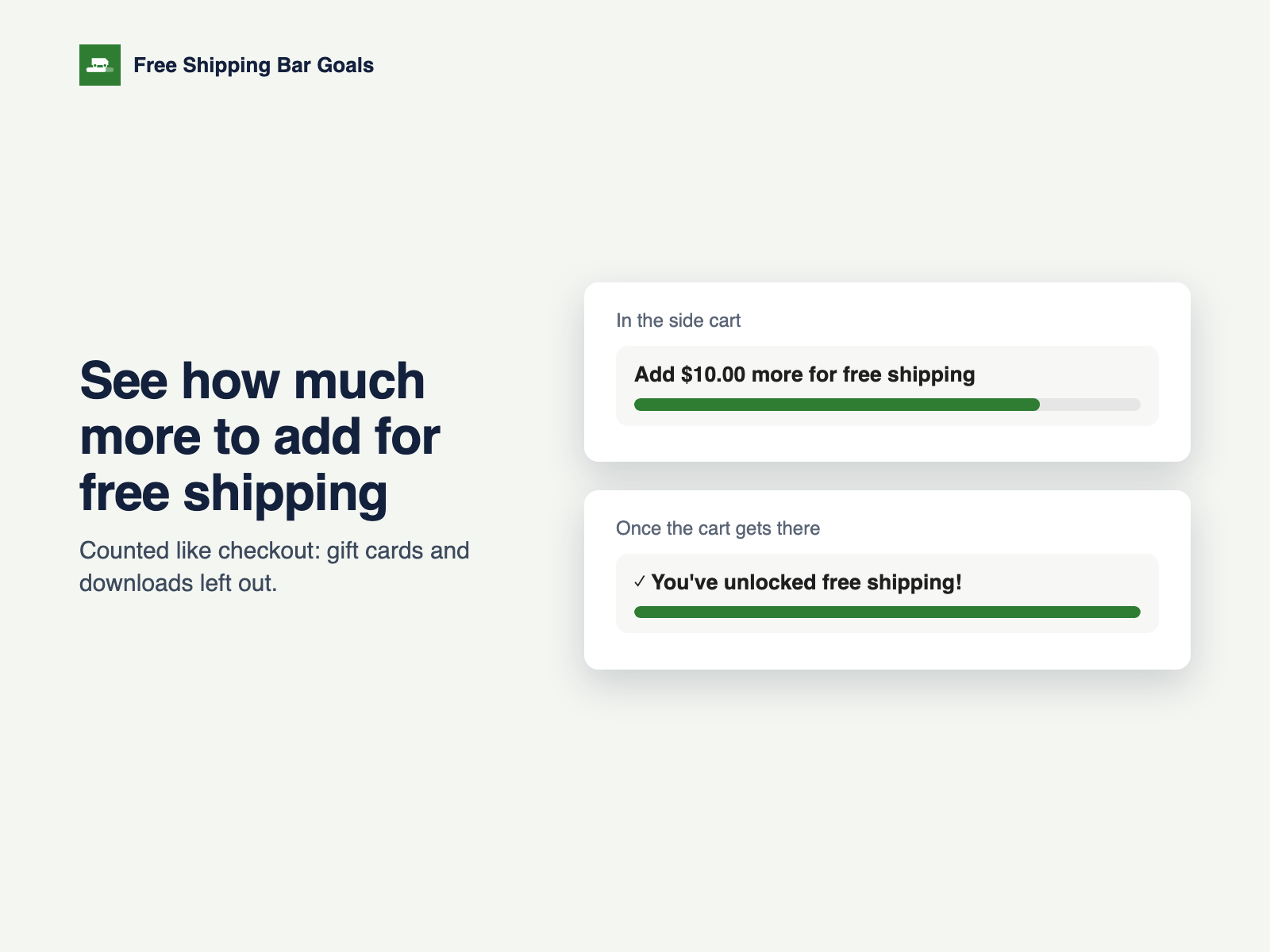
- Side-cart bar with a goal-reached message, on phones too
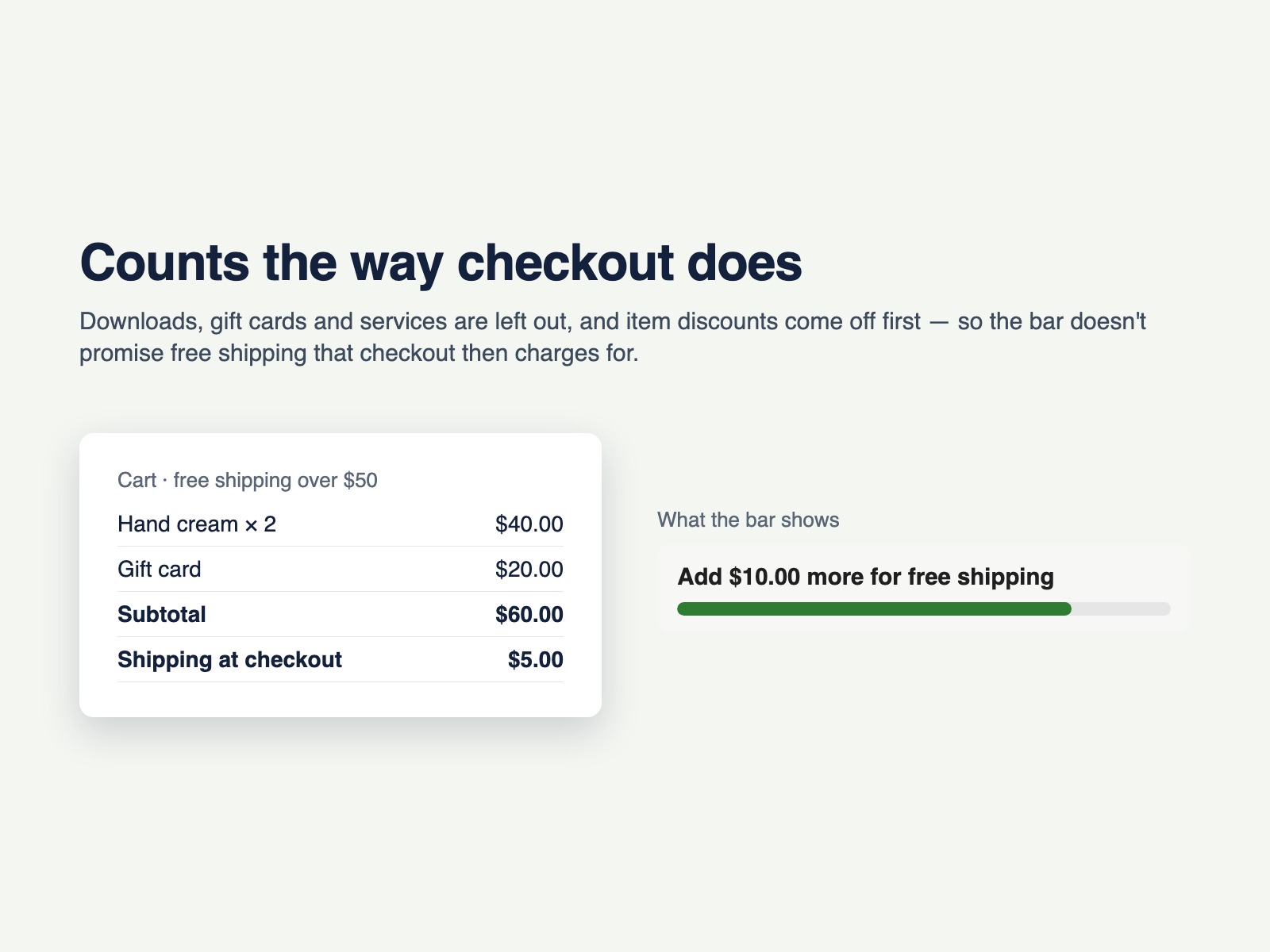
- Leaves out gift cards and downloads, like checkout
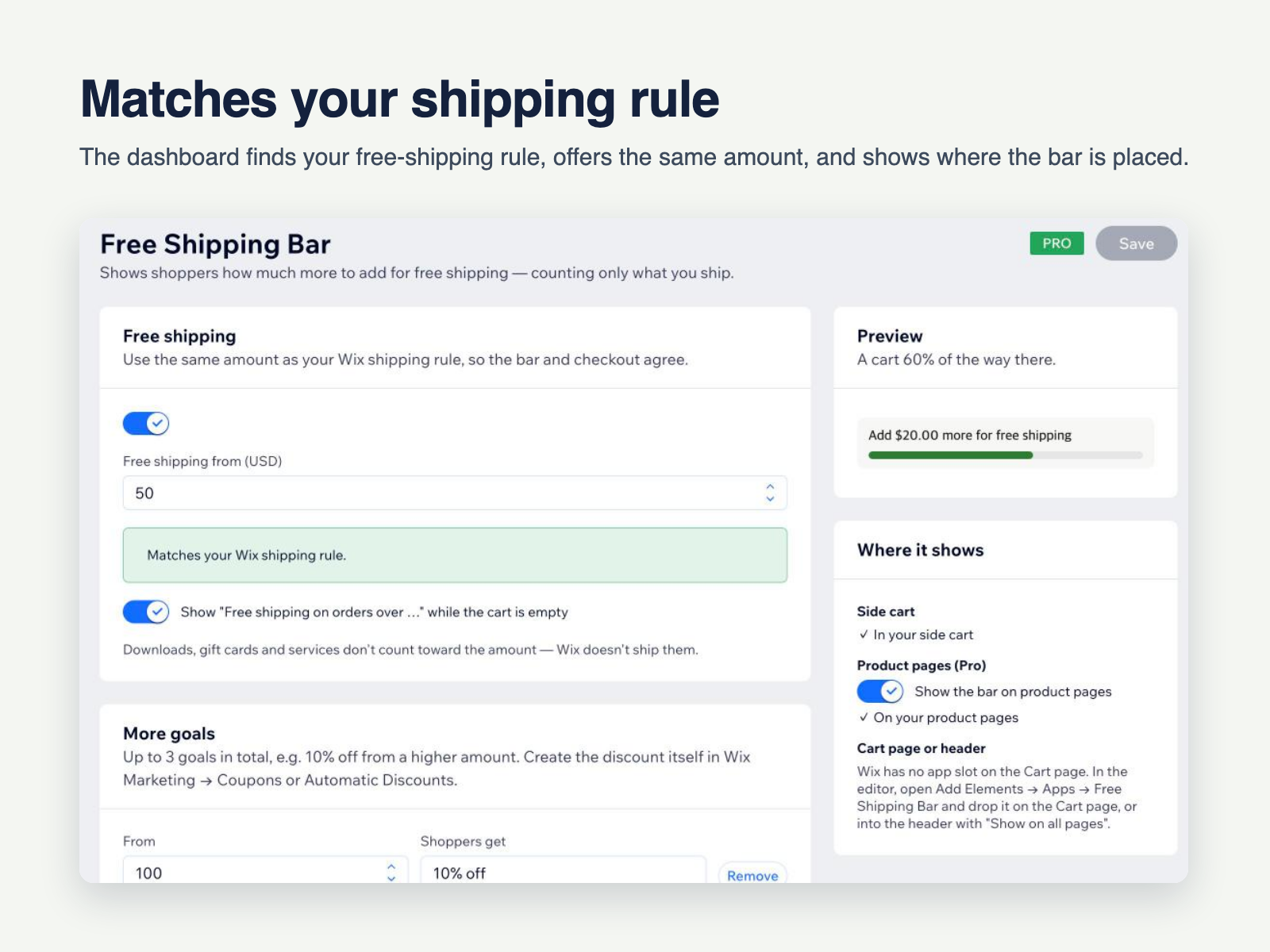
- Finds and checks your shipping rule
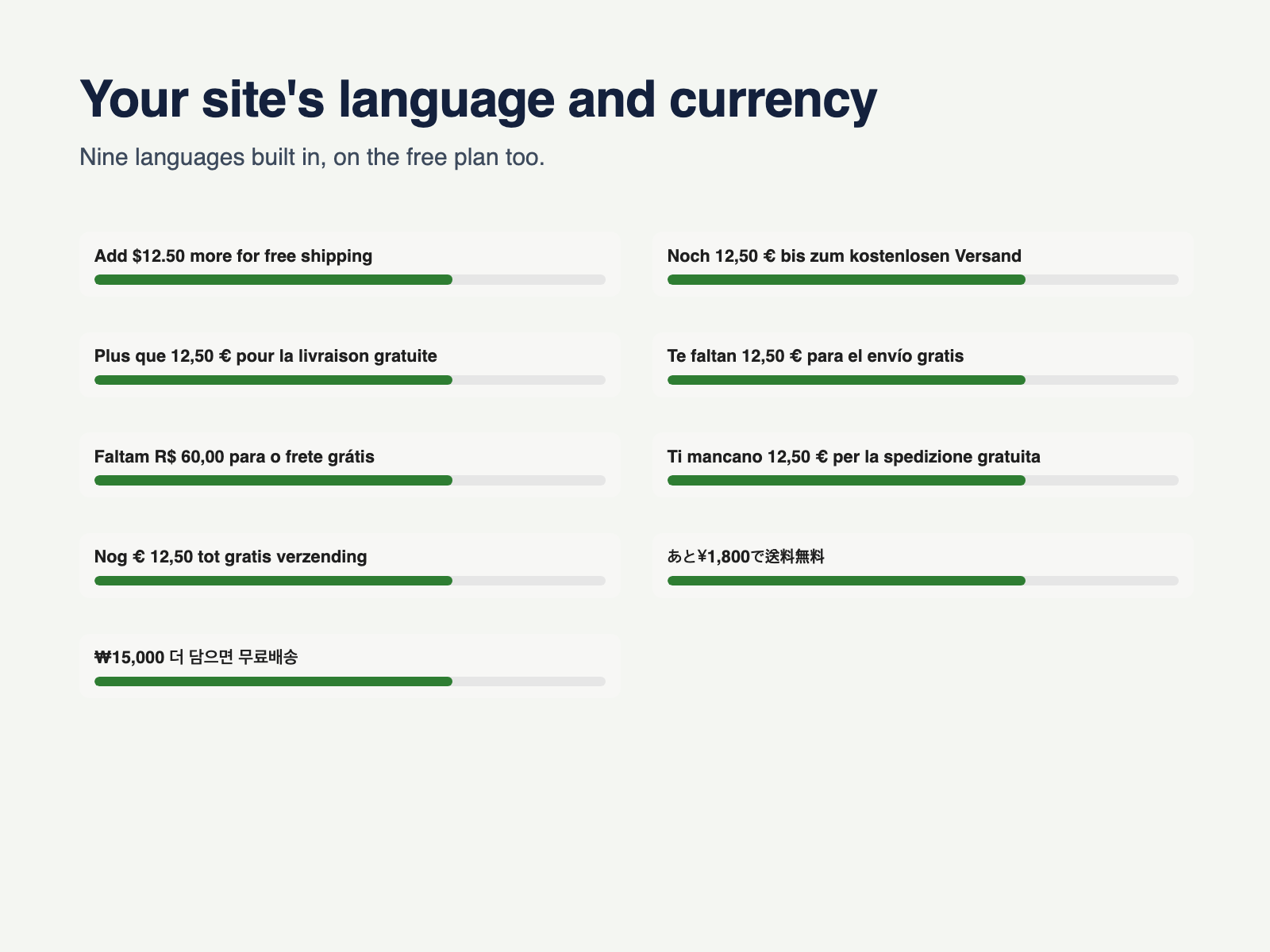
- Your wording, colors, language and currency
Rating & Reviews
This app hasn’t received any reviews yet, be the first to rate it.Pricing & plans
Basic plan
Free
Free-shipping bar in the side cart
Counts only what ships
Your site's language and currency
Your own wording, colors and font
Pro plan
$
3
99
/month
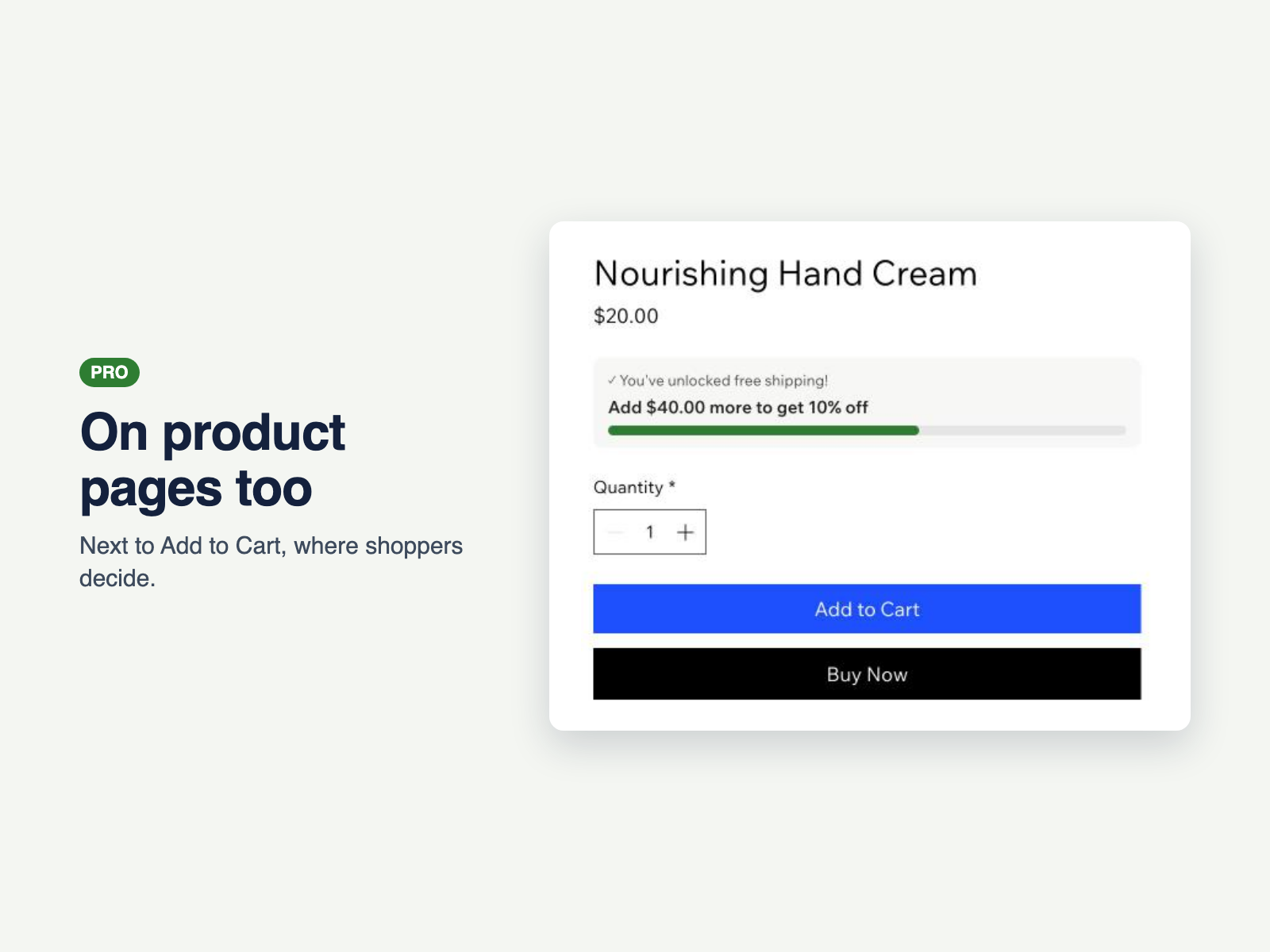
Bar on product pages
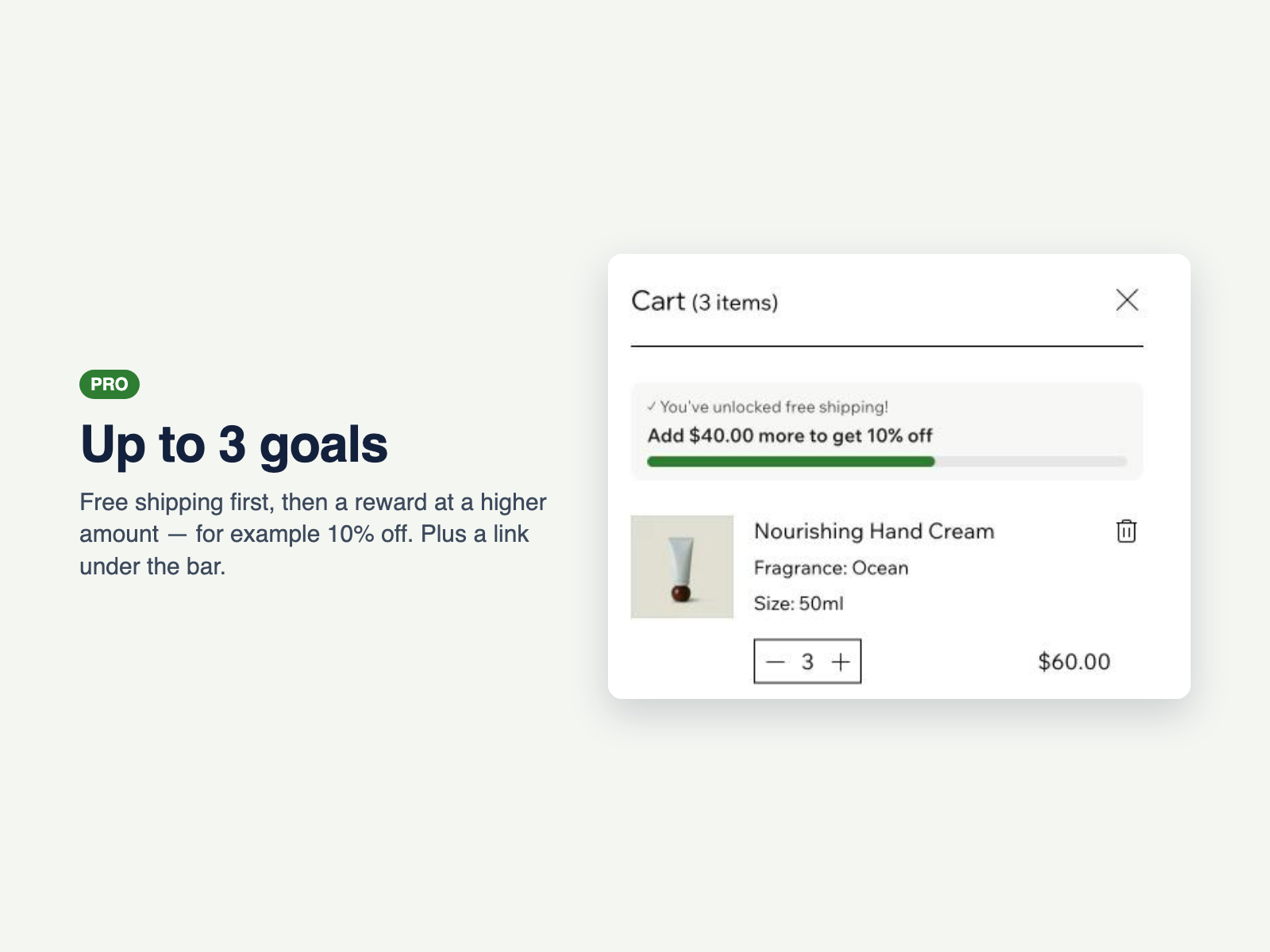
Up to 3 goals, e.g. 10% off
Product suggestions to reach the goal
Free-shipping amount by country
* Price is in USD.