Wix App Market Logo

wix logo


Trending Topics
online store
bookings
events
popup
PDF Viewer logo

PDF Viewer

By
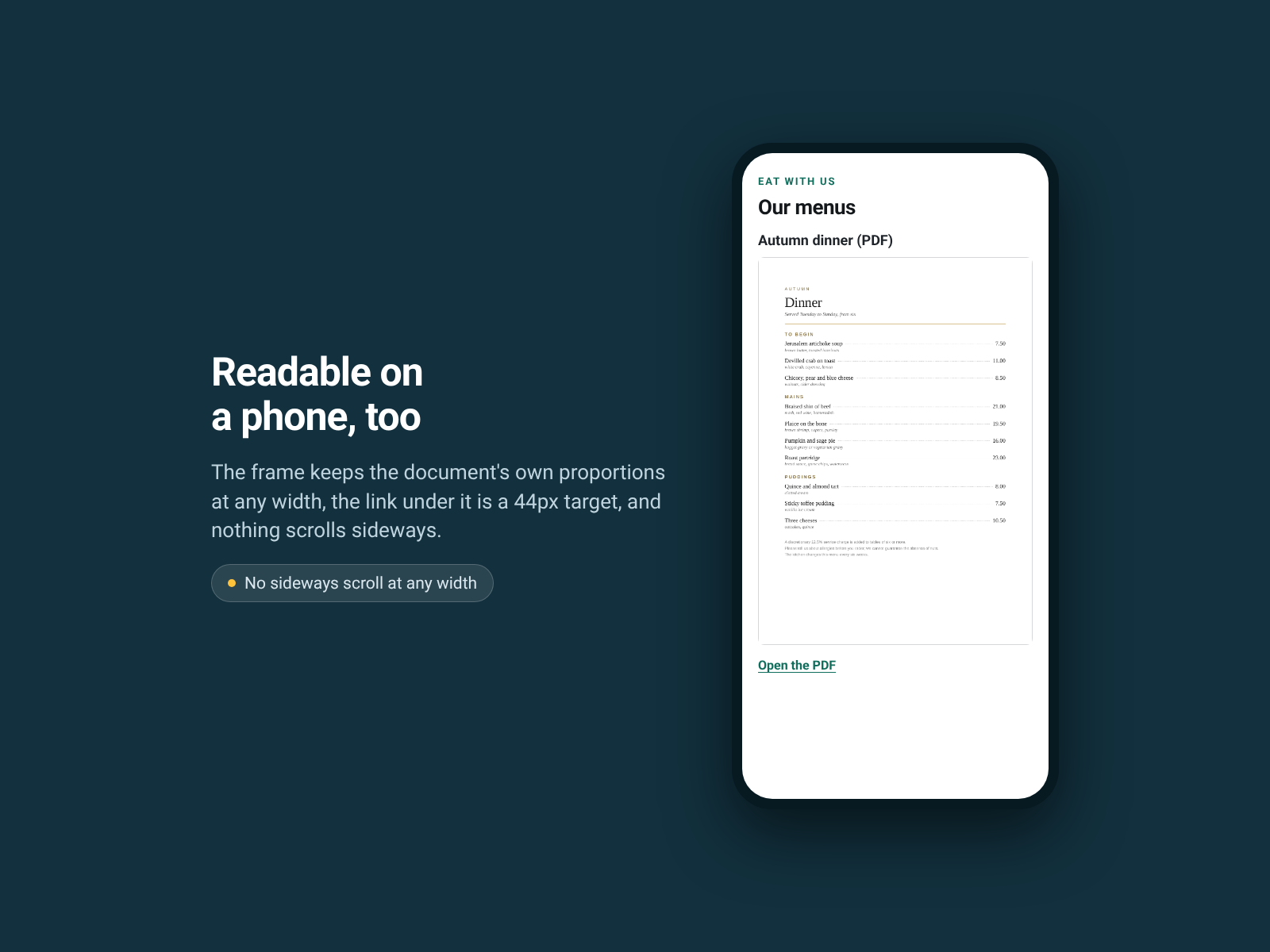
Put a PDF on your page instead of a link
No Reviews Yet
Free

PDF Viewer overview

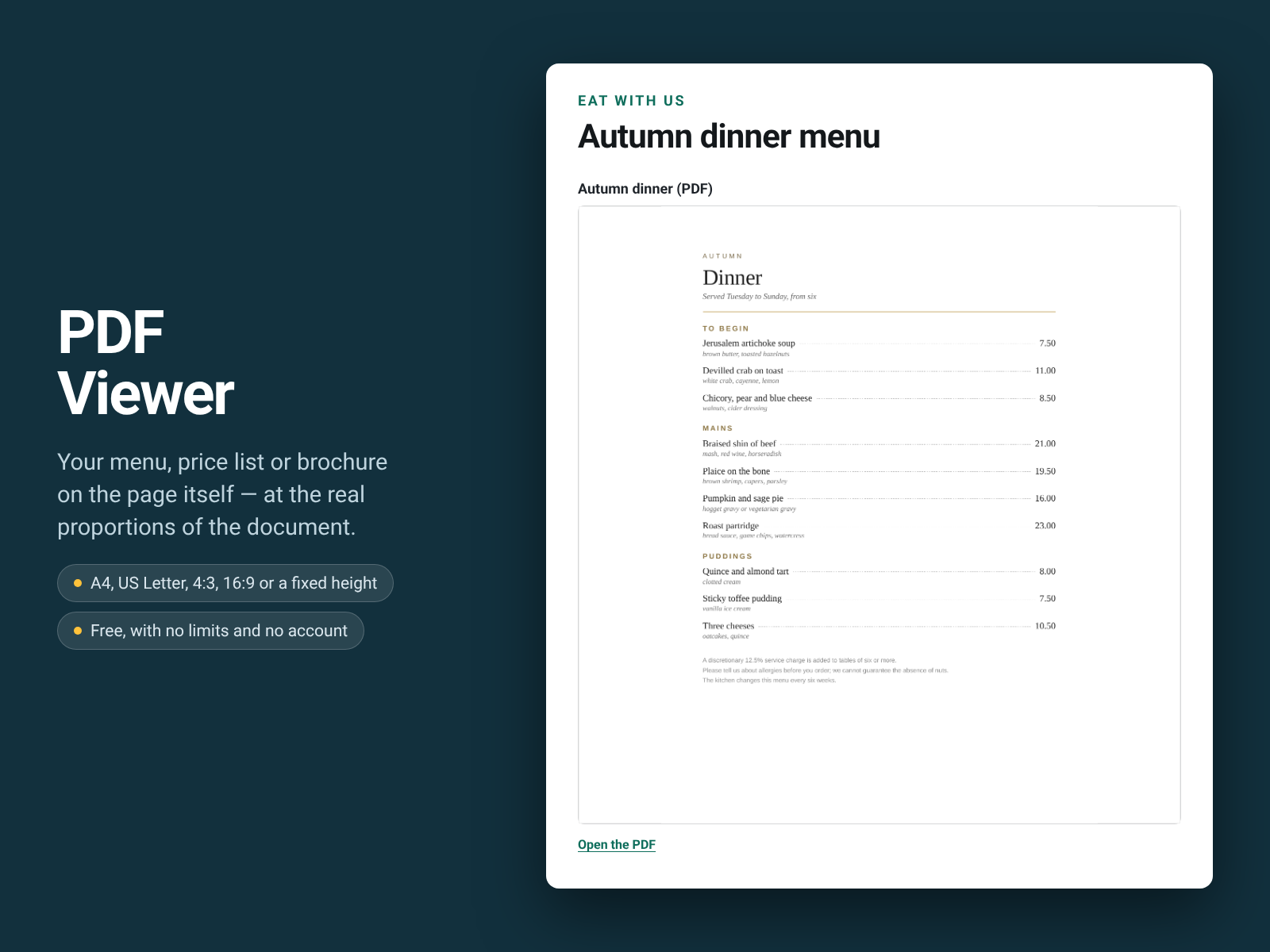
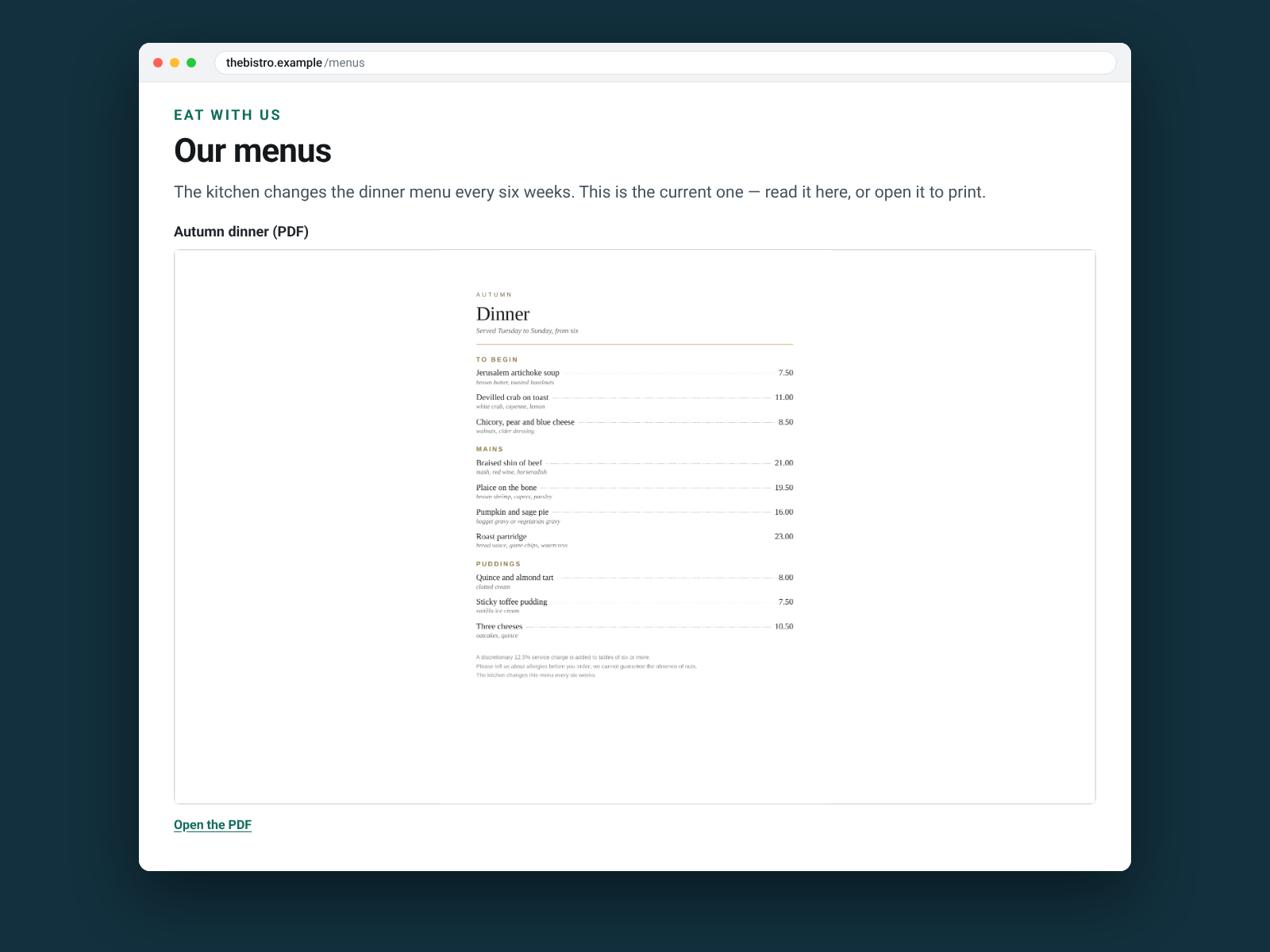
  • Shows your PDF on the page itself, at the real proportions of the document
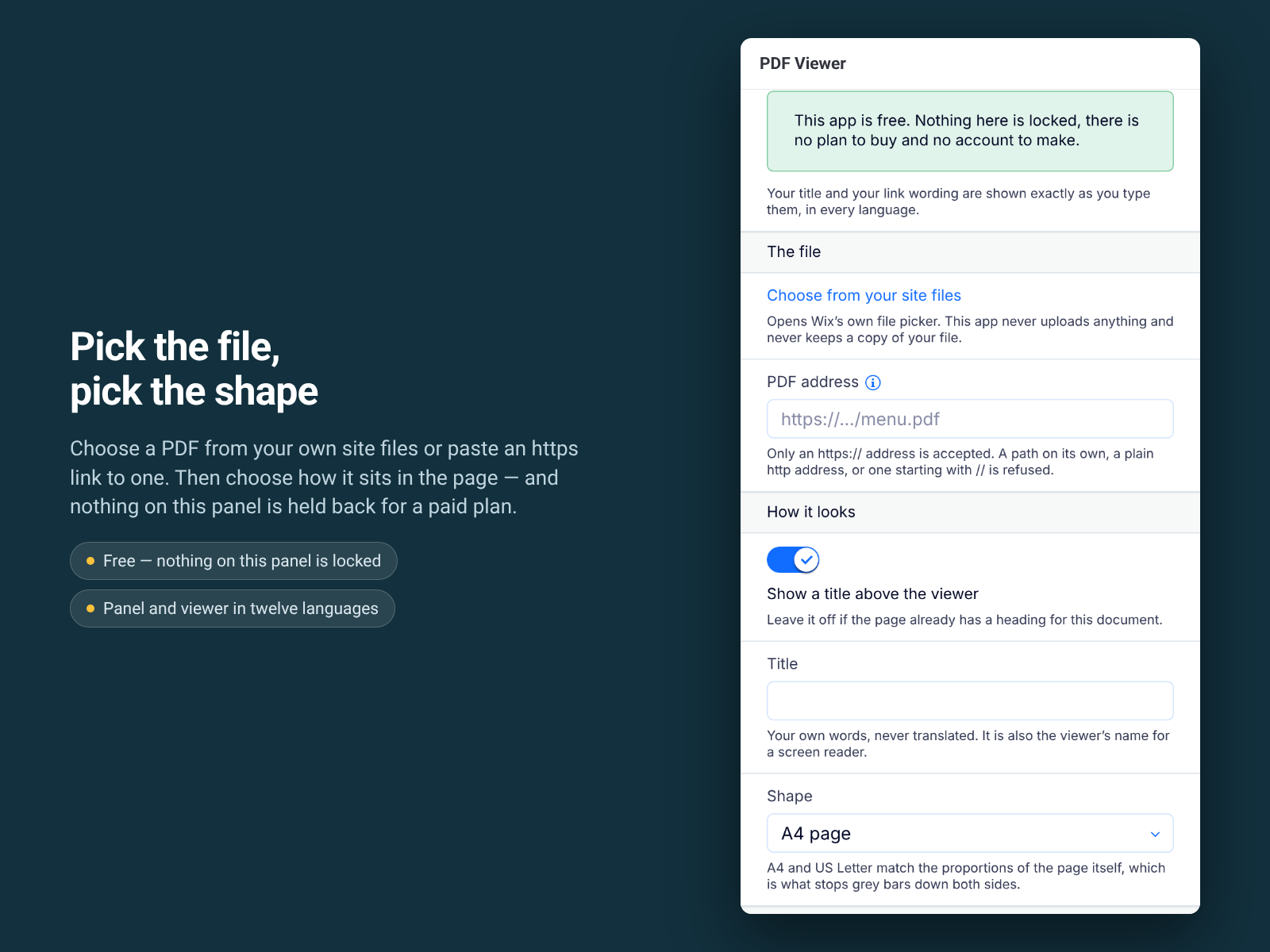
  • Choose a file from your site media, or paste an https link to one
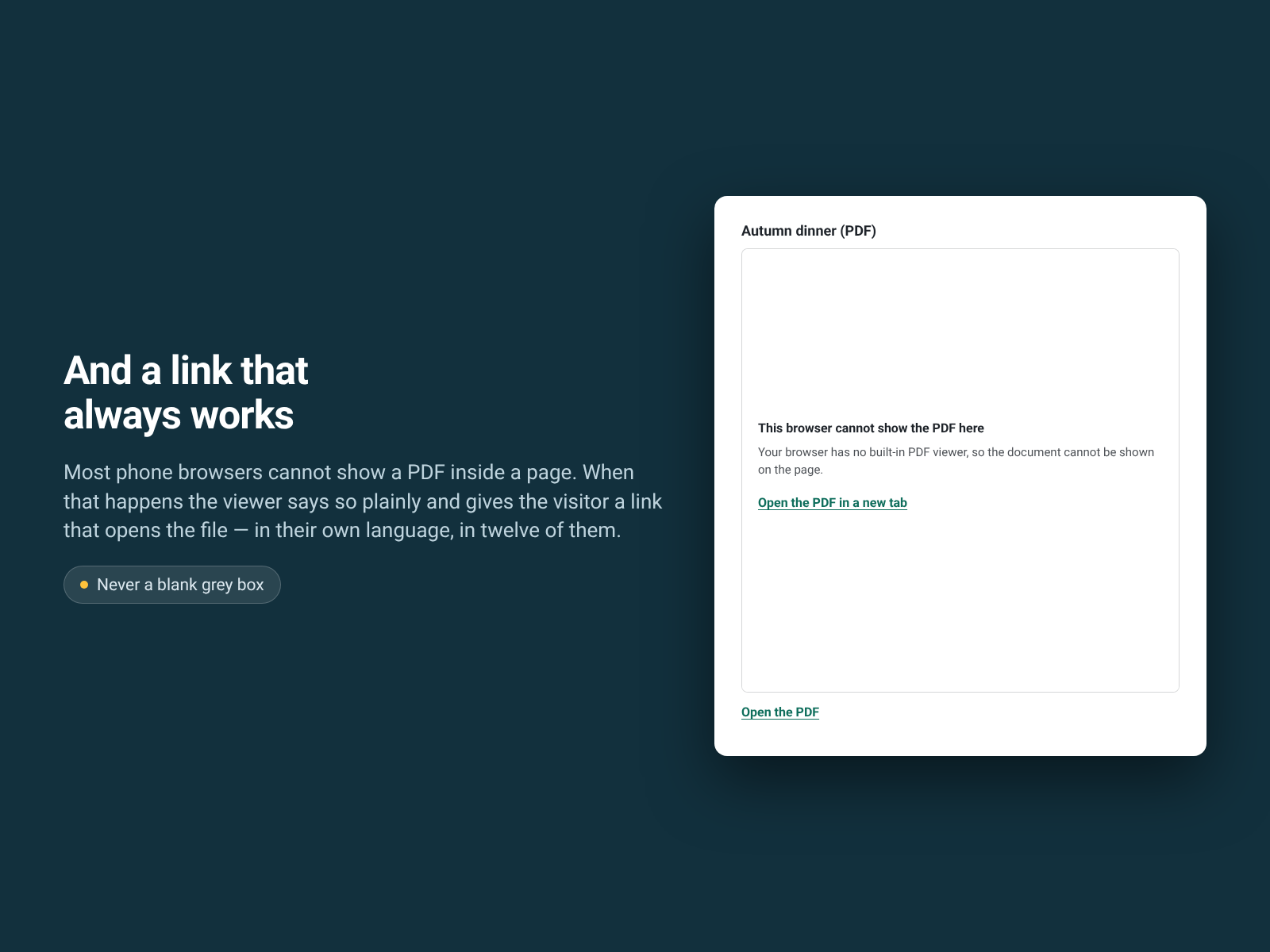
  • Always offers a link that opens the PDF, which is what phones need
  • Nothing is sent to us — no cookie, no analytics, no copy of your file
A menu, a price list, a brochure or a form that lives as a PDF usually ends up as a link, and a link is a page your visitor leaves. PDF Viewer puts the document on the page itself. Choose a PDF from your site media or paste an https link to one, give it a title, and pick the shape: A4, US Letter, 4:3, 16:9, square, or a fixed height in pixels. The document sits in your page at the proportions of the real thing. It is built for a keyboard and a screen reader. The viewer is a named region, your title is its name, the document is a tab stop, and the link under it is a real link. What it does not do: it does not host your file, and it does not convert or edit a PDF. Showing the document inside the page is the browser's own viewer, so on a browser without one, which is most phones, the visitor gets a clear link that opens the file instead. Only https addresses are accepted. Nothing is sent to us. The visitor's own browser fetches your file from where you host it, and that is the only request: no cookie, no analytics, no copy of your file. The viewer and its settings are in twelve languages, and your own wording is never translated. Free, with no limits and no account.
Availability:
This app is available worldwide.
App languages:
English
You can translate all app content displayed on your site into any language.
Featured in
Newest Apps

Rating & Reviews

This app hasn’t received any reviews yet, be the first to rate it.

Build and launch your next app for 230m+ Wix users