

online store
bookings
events
popup

ROI Calculator
By
Return on investment and payback for visitors
No Reviews Yet
Free plan available

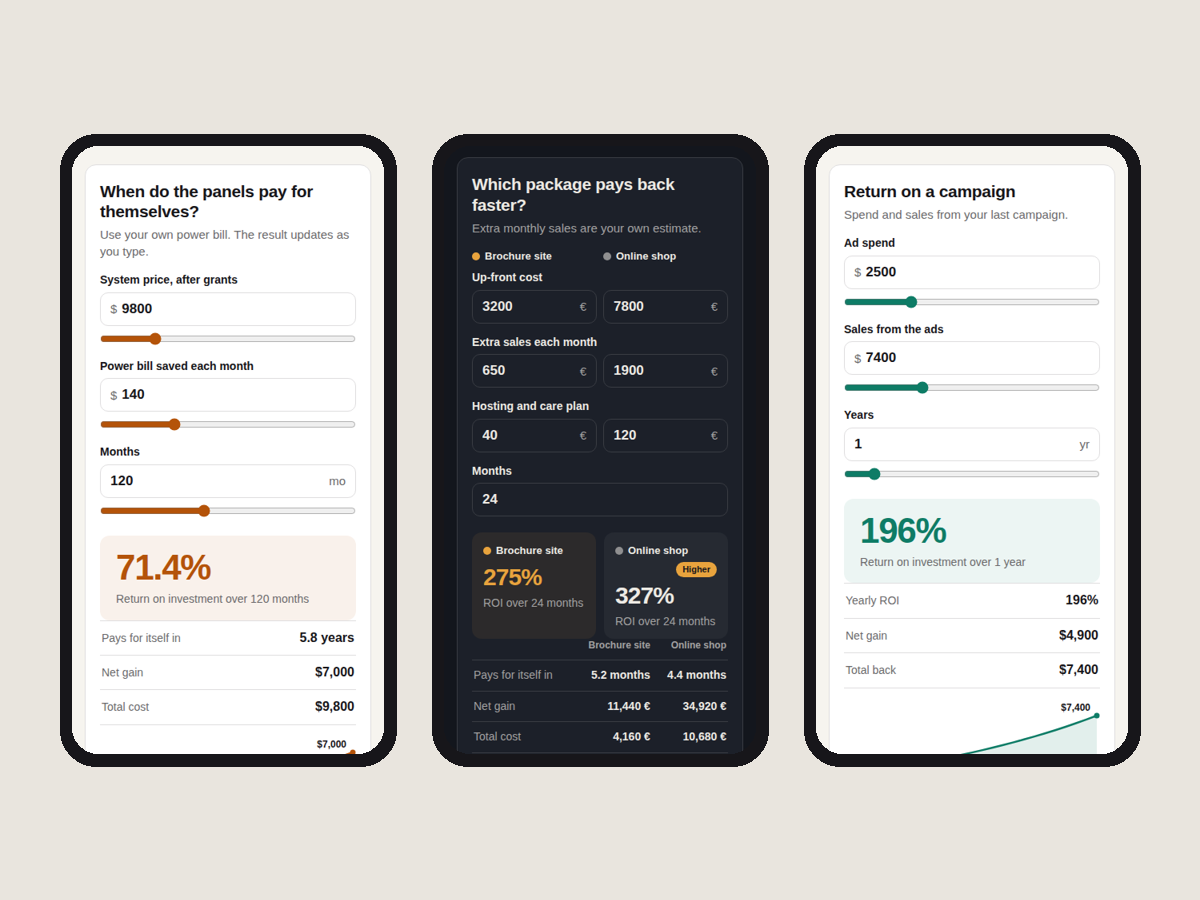
ROI Calculator overview
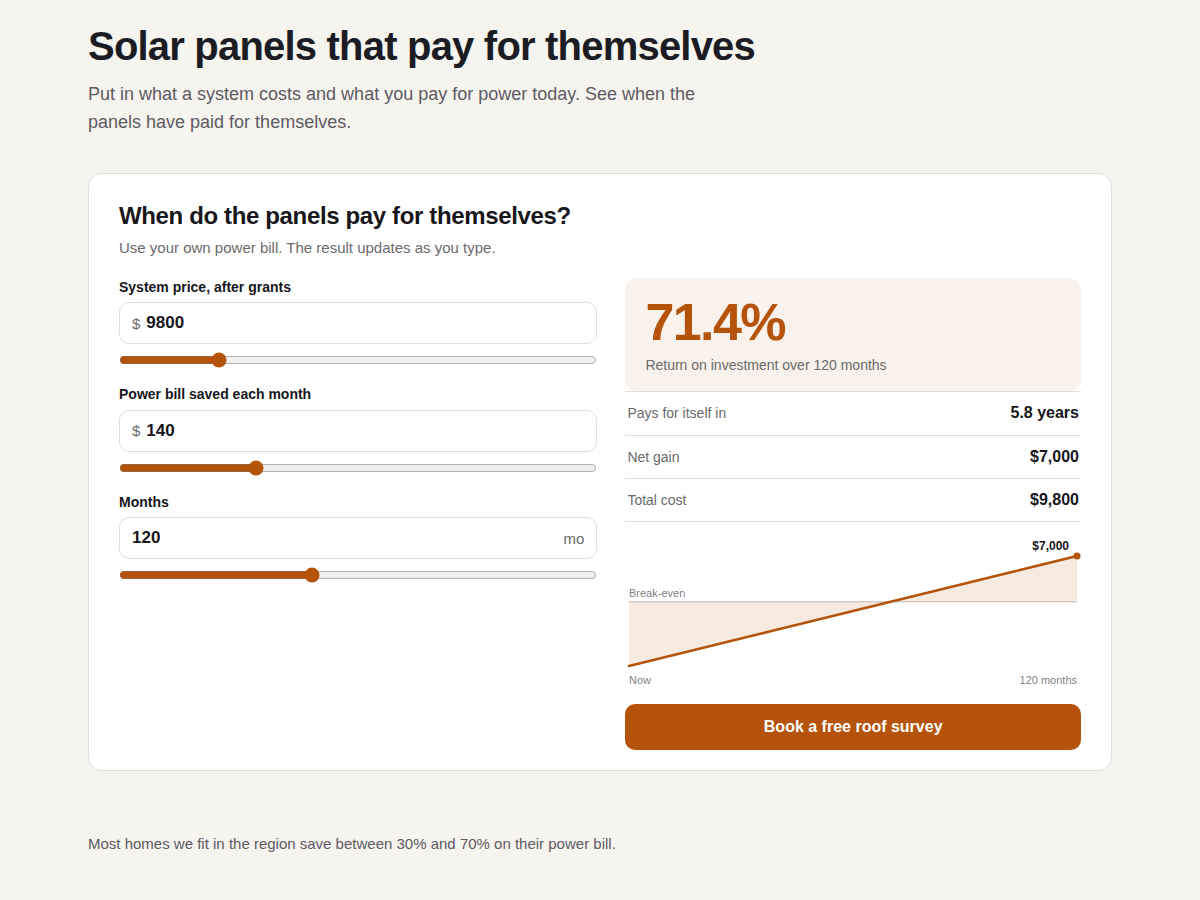
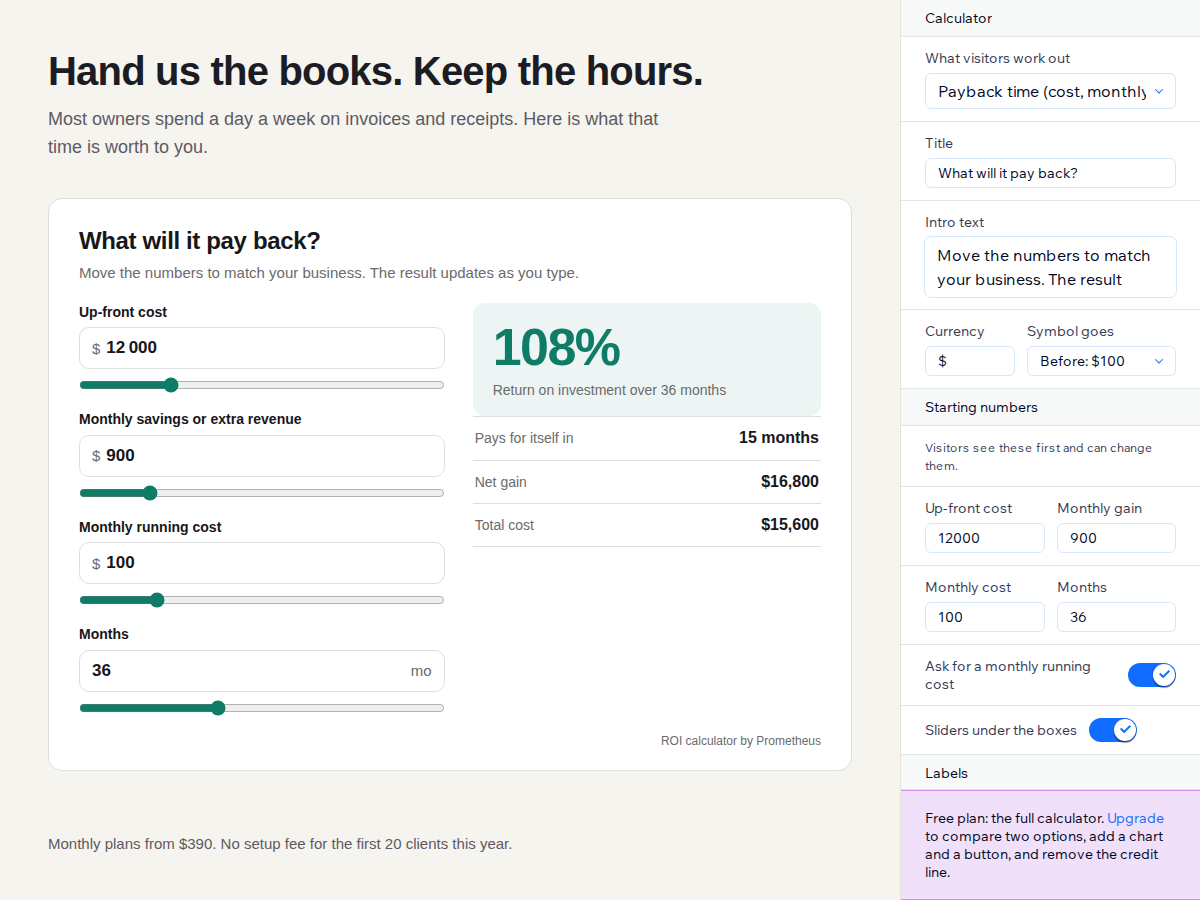
- ROI, payback time and net gain as visitors type
- Payback mode or invested and got back mode
- Your starting numbers, labels, currency, colours
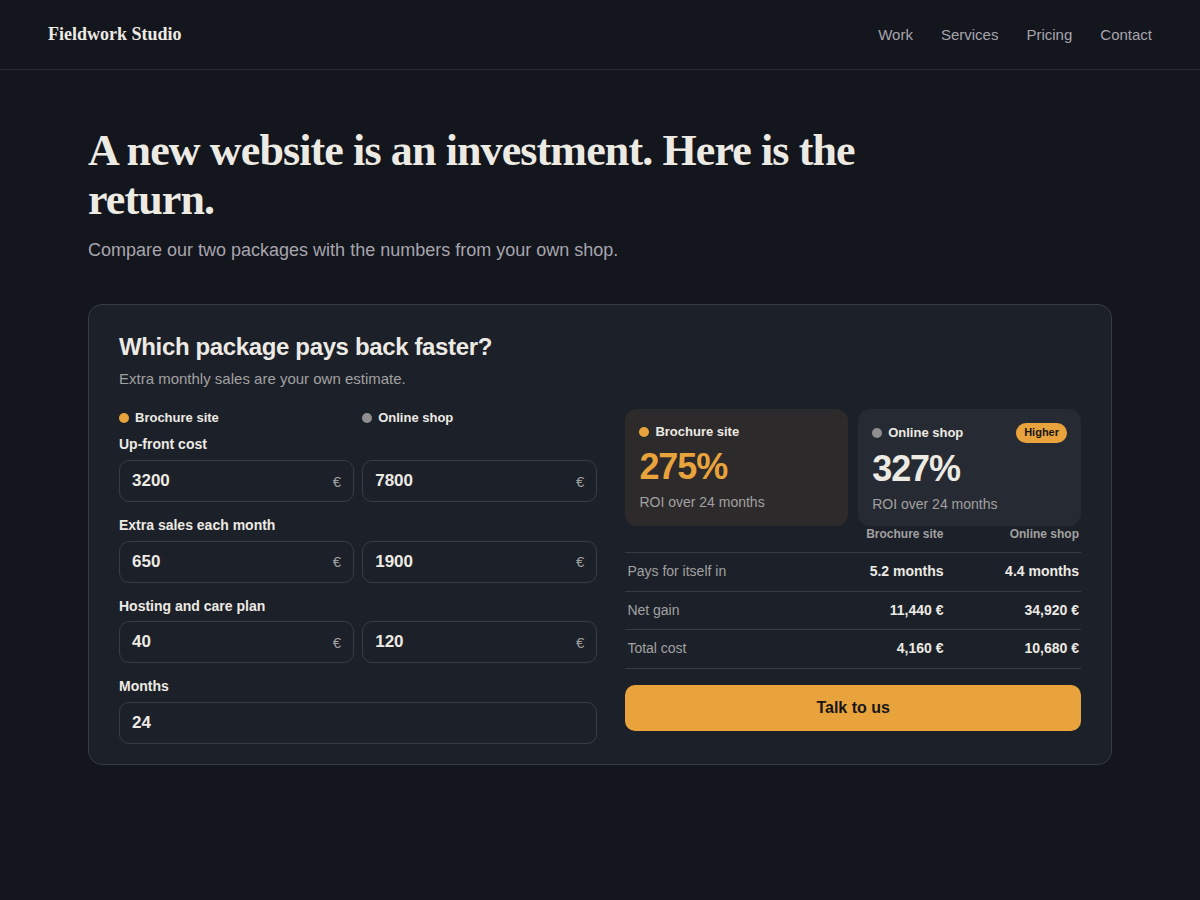
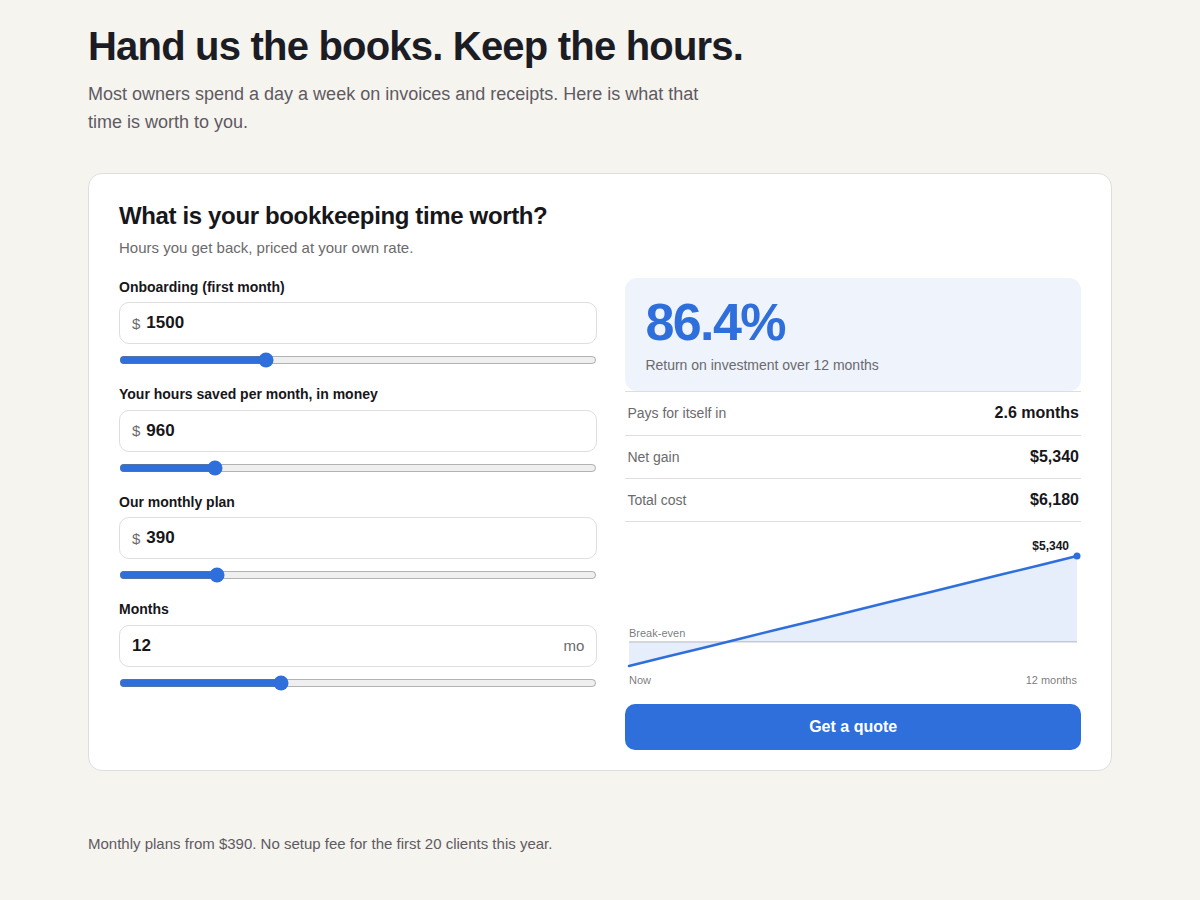
- Compare two options with a chart on Premium
Rating & Reviews
This app hasn’t received any reviews yet, be the first to rate it.Pricing & plans
Basic plan
Free
The full calculator in both modes
Your numbers, labels and currency
Your colours and font
Works on phones and screen readers
Premium plan
$
4
00
/month
Compare two options side by side
Chart of the money over time
Button under the result to your page
No credit line under the calculator
* Price is in USD.