

online store
bookings
events
popup

Share Page Button
By
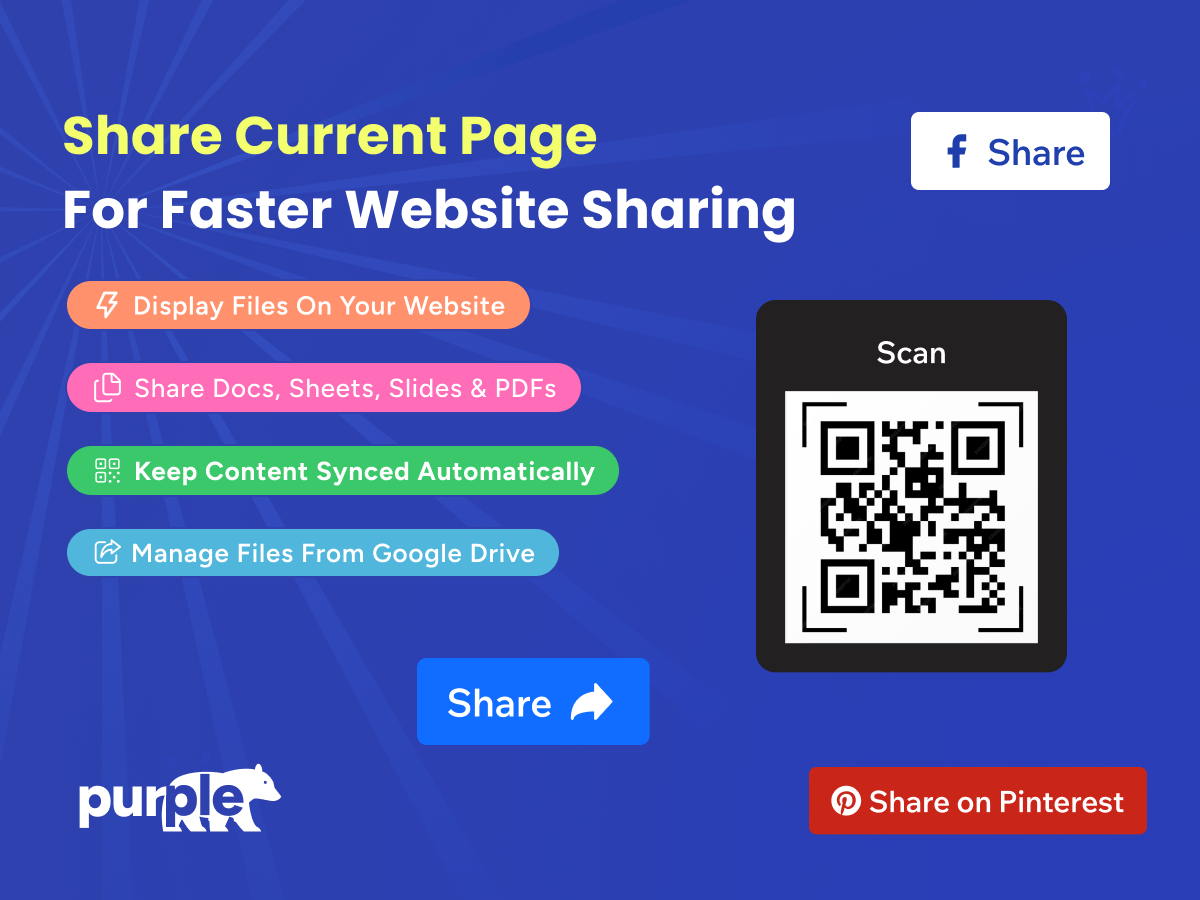
Share current page with QR code or share button
No Reviews Yet
Free


Share Page Button overview
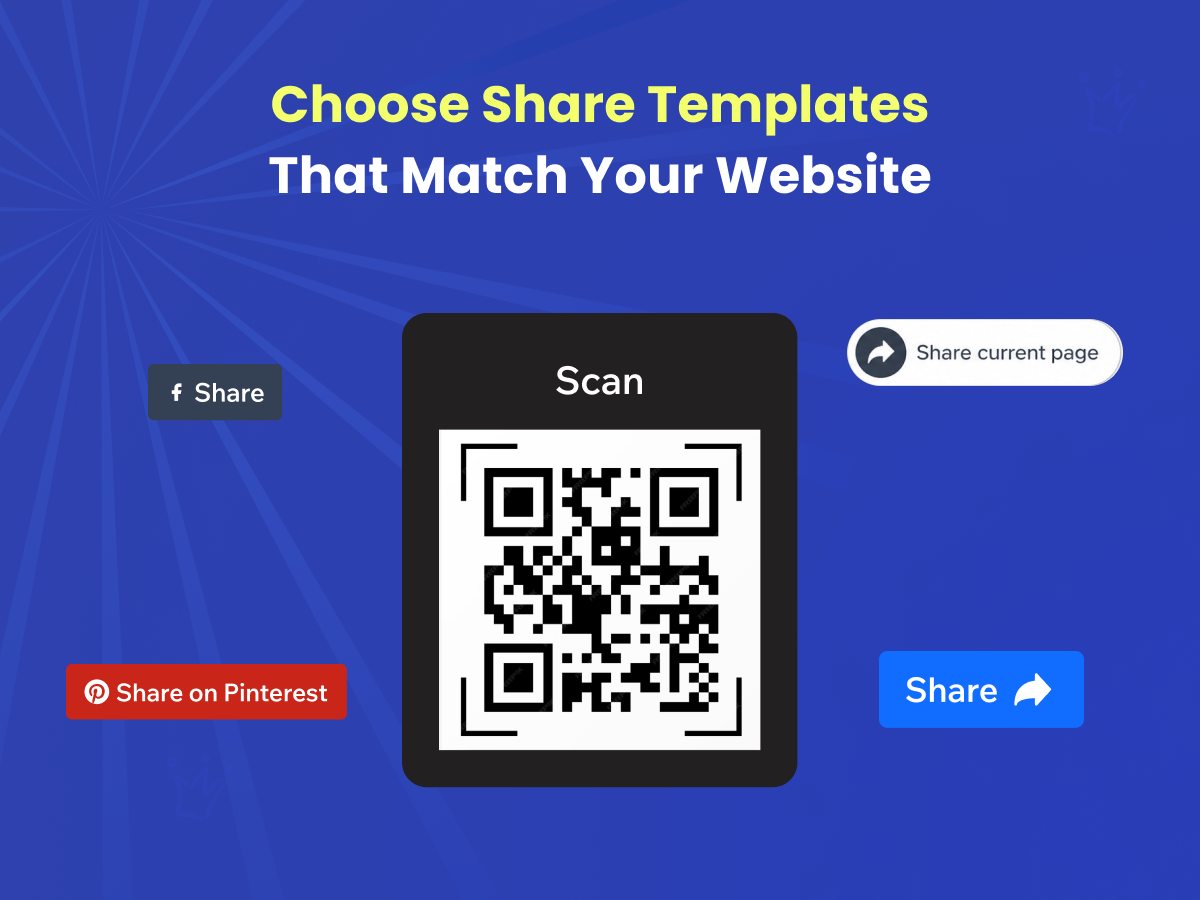
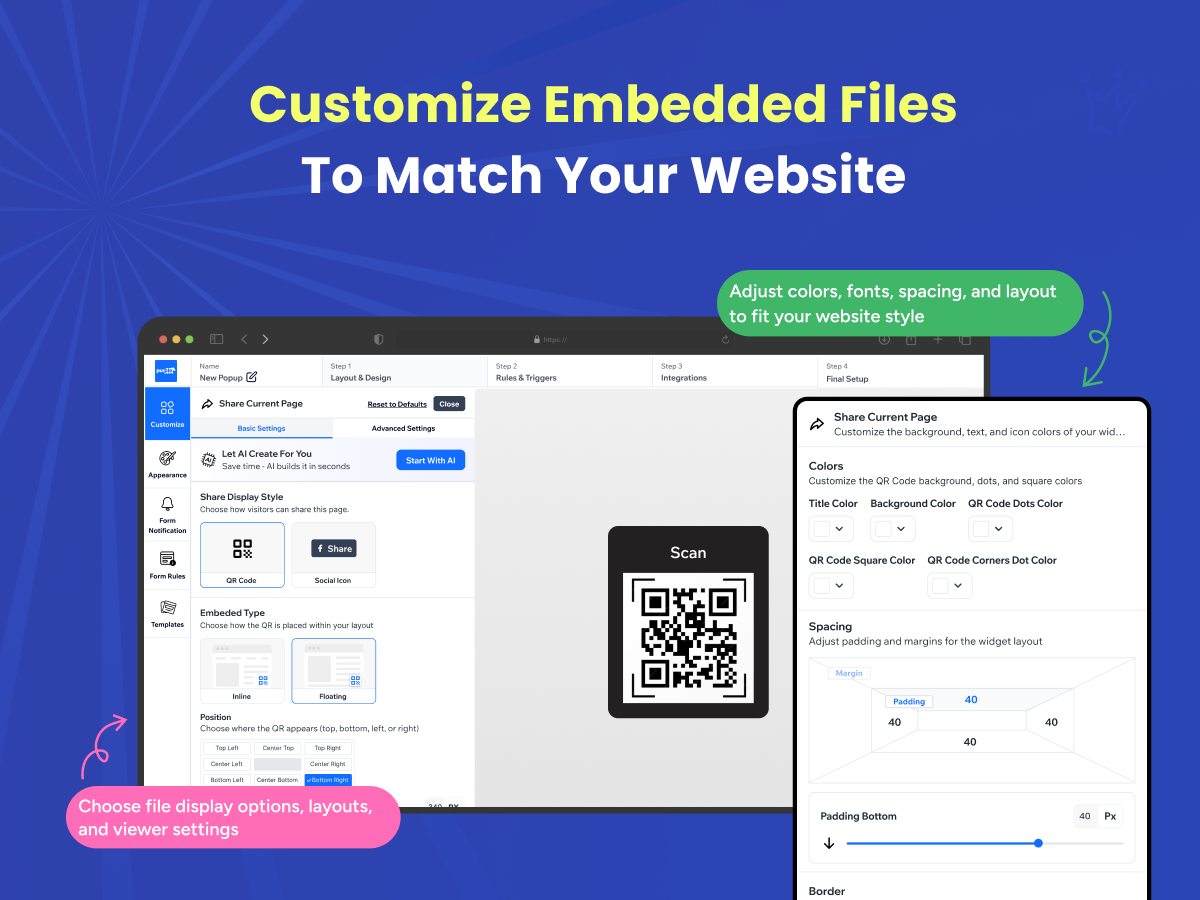
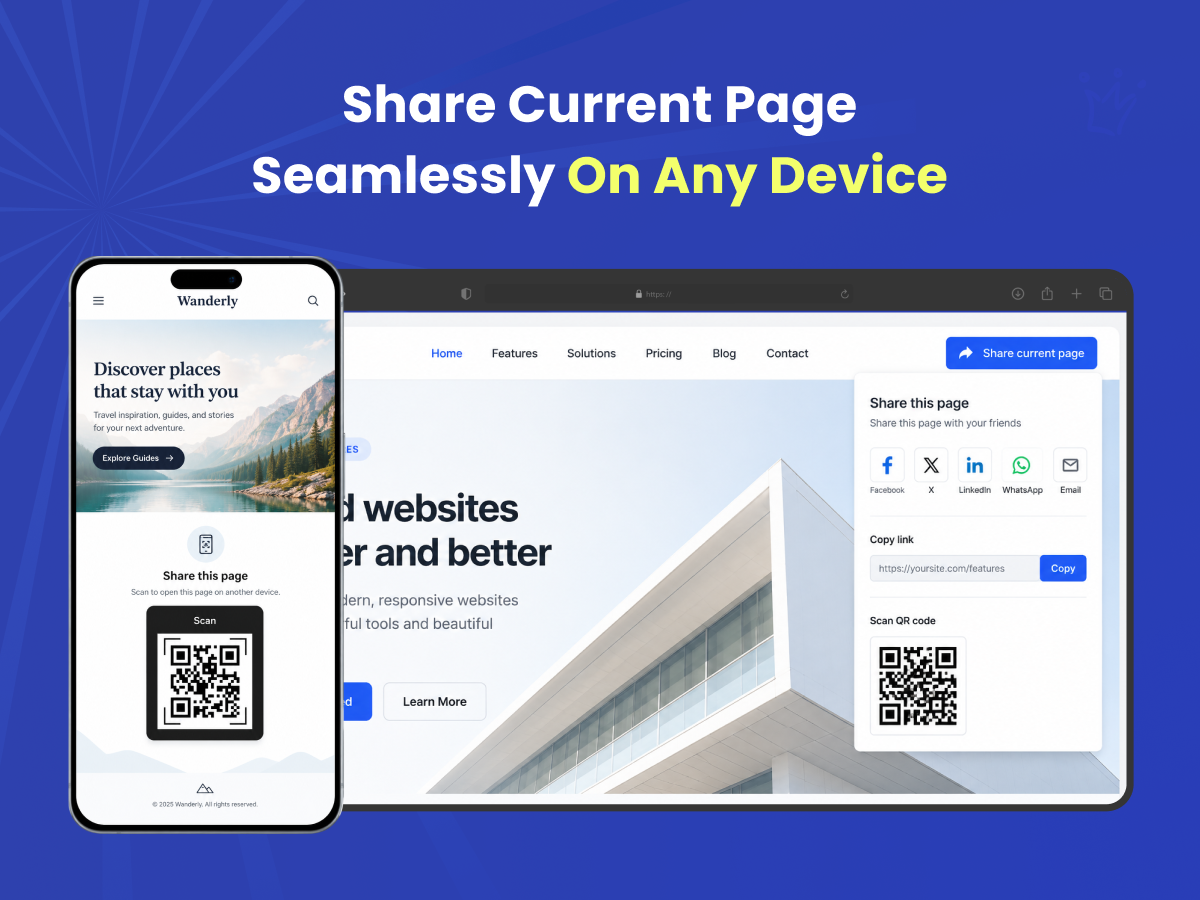
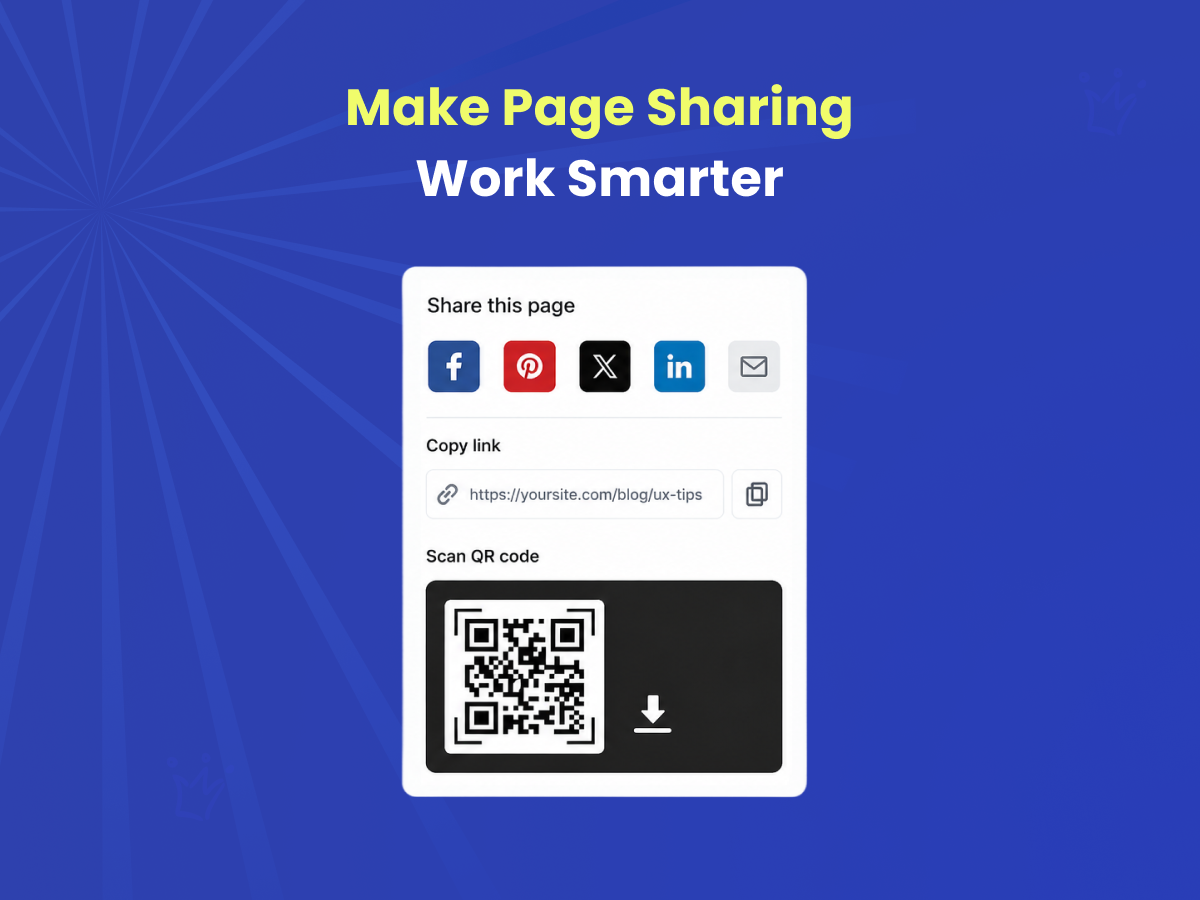
- Two share styles in one app. Offer a QR code for scanning or a classic share button for social platforms — switch between them anytime
- 12+ social channels supported. Share to Facebook, WhatsApp, Telegram, LinkedIn, Pinterest, Reddit, Slack, Discord, Gmail, and more, or add a custom link
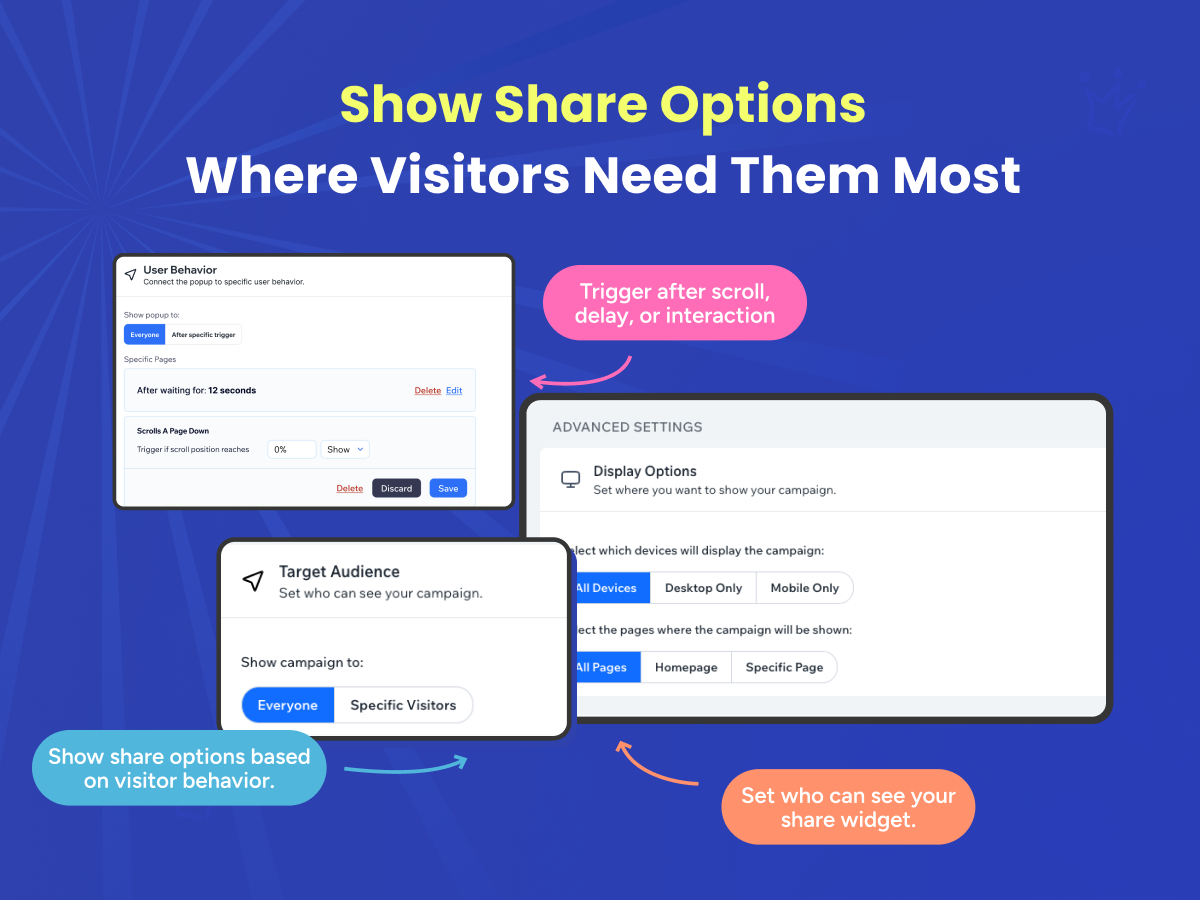
- Inline or floating placement. Choose how the widget sits in your layout, and set its exact position and offset on the page
- QR code link expiration. Set shared QR codes to expire automatically — ideal for time-limited promotions, events, or campaigns
Categories
Availability:
This app is available worldwide.App languages:
English,
French,
German,
Italian,
Polish,
Portuguese,
Russian,
Spanish
Featured in