

online store
bookings
events
popup

Google Drive Content Share
By
Embed & Share Google Drive files on your site
No Reviews Yet
Free plan available
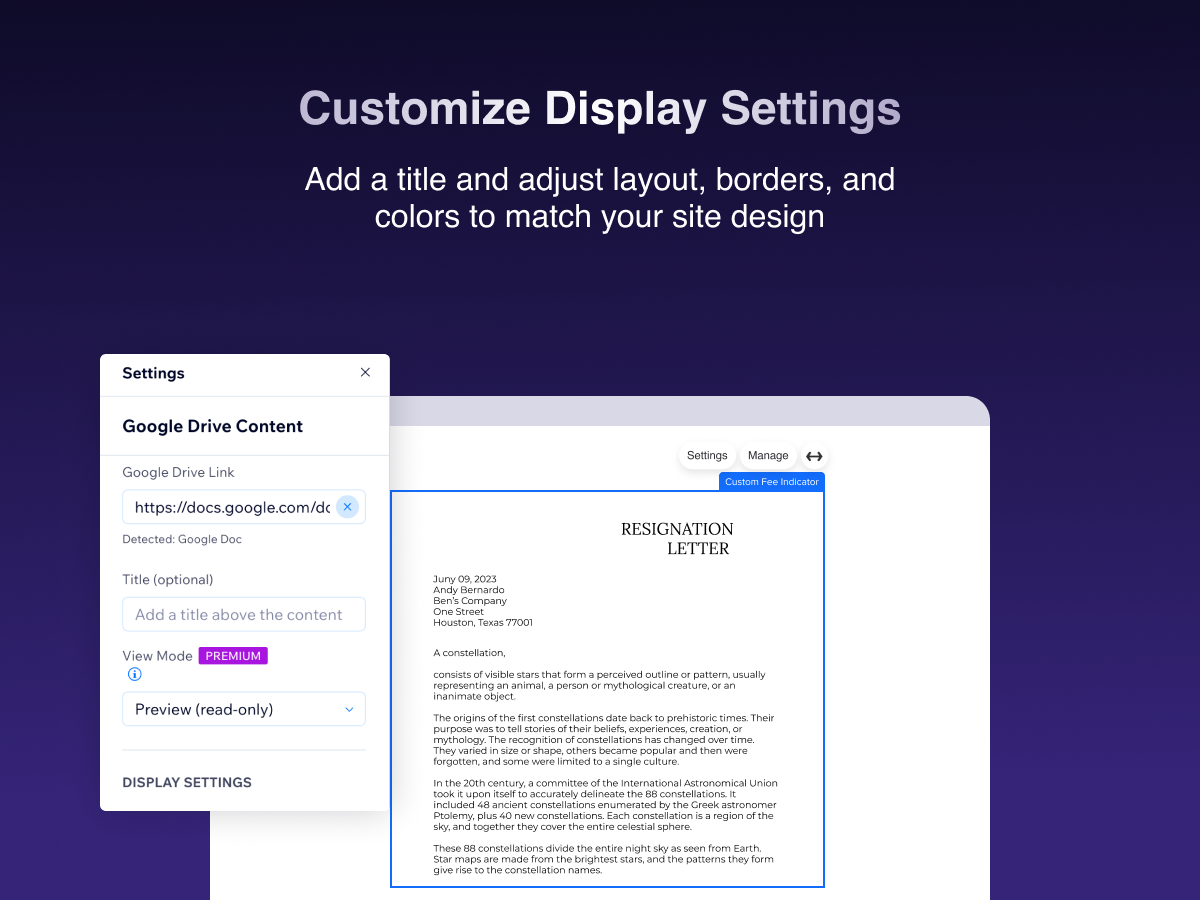

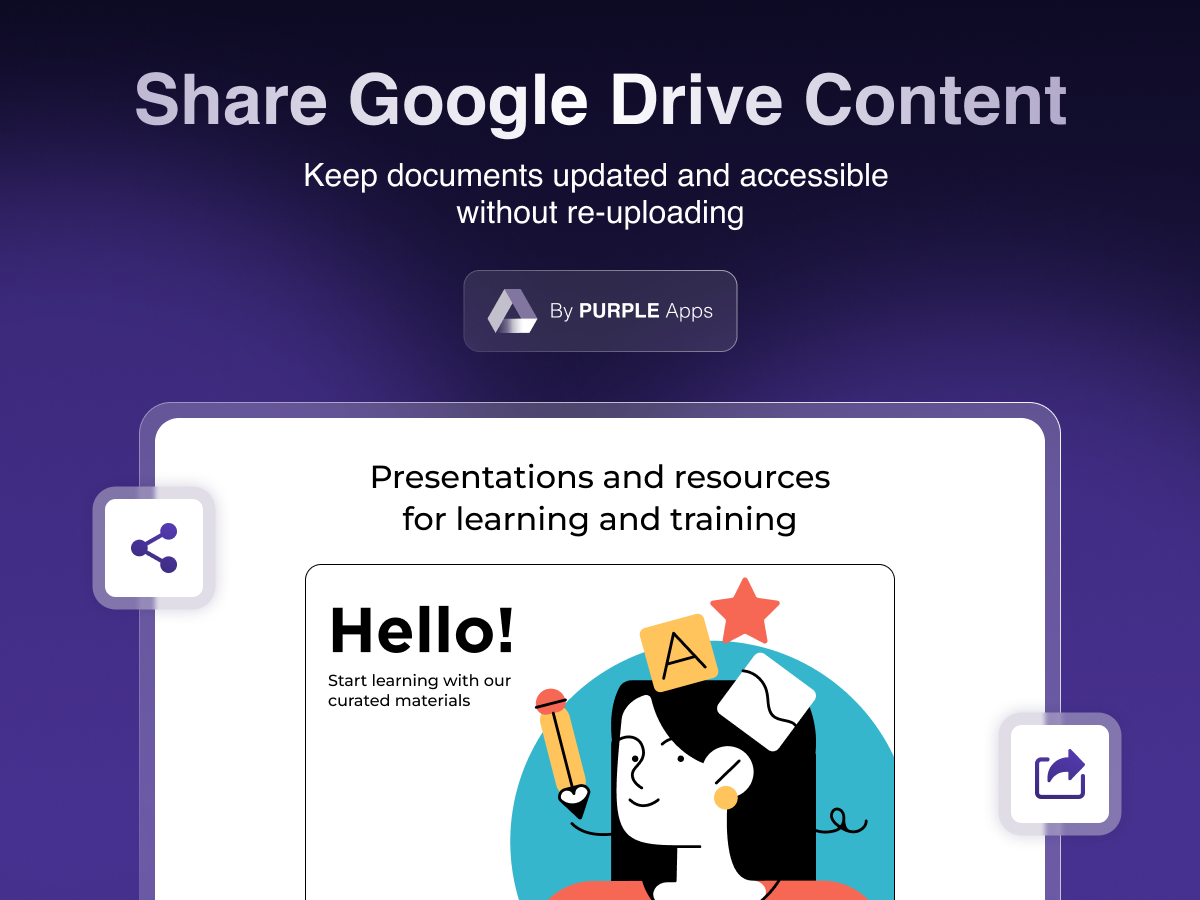
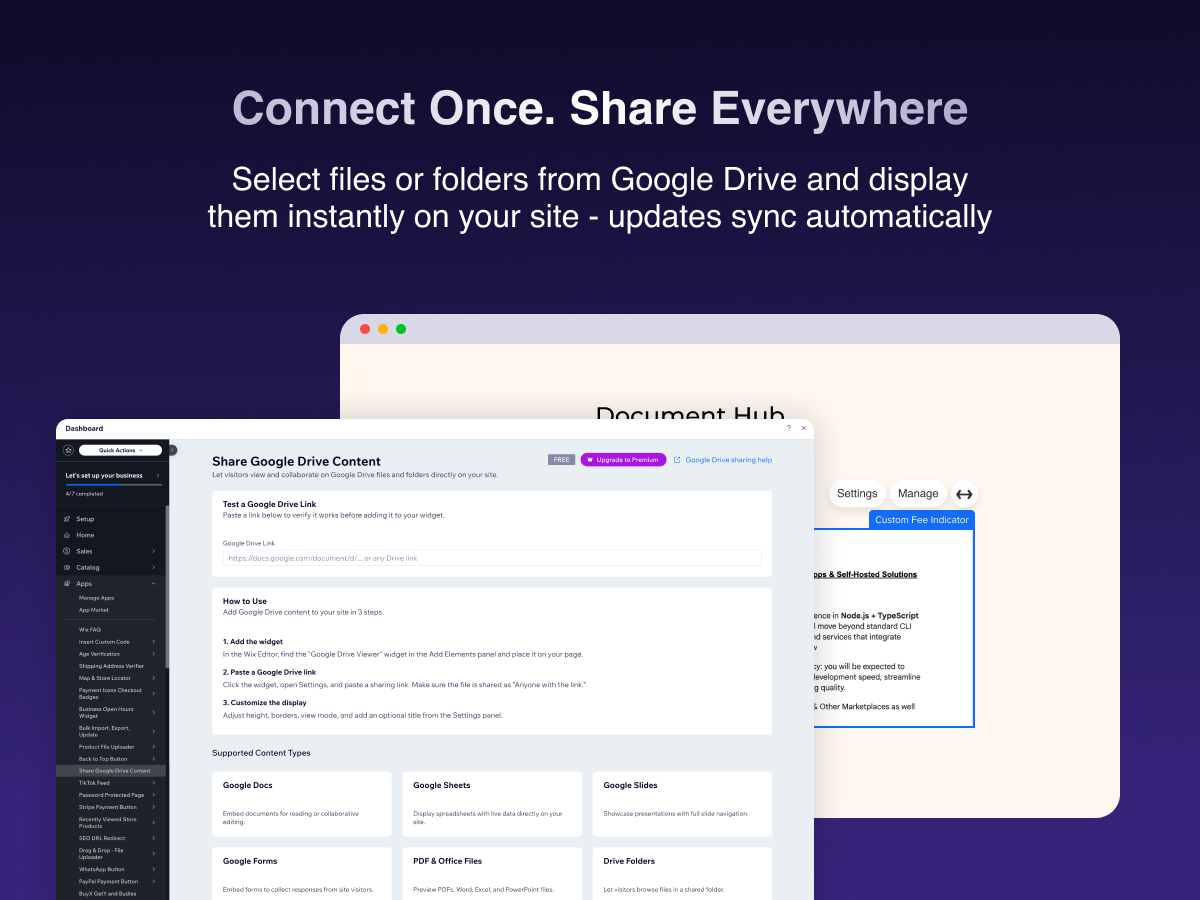
Google Drive Content Share overview
- Embed PDFs, Docs, Sheets, Slides & Forms - directly on your site
- Preview or enable collaborative editing with one click
- Share entire Google Drive folders with visitors
- Customizable display with adjustable height, borders & titles
Categories
Availability:
This app is available worldwide.App languages:
English,
Chinese,
Danish,
Dutch,
French,
German,
Italian,
Japanese,
Korean,
Polish,
Portuguese,
Russian,
Spanish,
Thai,
Turkish,
Ukrainian
Featured in
Rating & Reviews
This app hasn’t received any reviews yet, be the first to rate it.Pricing & plans
Basic plan
Free
Embed Google Drive files on your site
Supports Docs, Sheets, Slides & PDFs
Customizable display settings
24/7 support
Premium plan
$
2
99
/month
Everything in Basic
Remove Watermark
Edit Mode for Collaborative Editing
24/7 Priority Support
* Price is in USD.