
How to convert a JPEG file to PNG
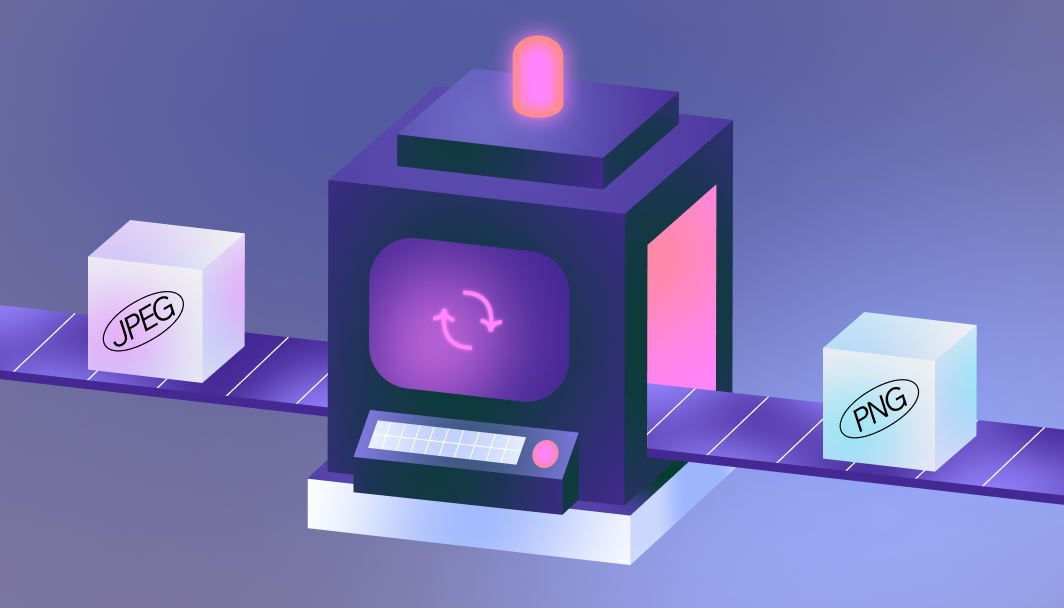
Follow these simple steps to convert your JPEG files online while maintaining their original clarity.
1. Upload your JPEG file
Select the JPEG files you want to convert from your device and upload them.
2. Sign in or create a Wixel account
To begin converting to PNG format, sign in or create a free Wixel account.
3. Choose PNG formatting
Open the dropdown list and select PNG formatting. You can also adjust the quality settings if needed.
4. Convert the file
Click download to turn your JPEG files into PNG format and save them to your device.
5. Share or start designing
Your newly converted PNG file is now ready to edit on Wixel, use in your next project, or share in your preferred channels.
FAQs
How do I change a JPEG file to PNG?
Upload your JPEG file to our free converter, select PNG from the dropdown list and click download. Your new PNG file will save to your device with its original quality intact.
What’s the benefit of converting JPEG to PNG?
Convert to PNG when you need a transparent background or want to keep your image looking sharp. PNGs work best for logos, text-based graphics, and images that need clear, detailed quality.
What’s the difference between JPEG and PNG?
JPEG files are ideal for photographs but may lose quality when compressed. PNG files maintain their quality at various sizes and support transparency, making them better for graphics, logos, and images with text.
Is Wixel’s JPEG to PNG converter free?
Yes, our image converters are completely free to use. Simply create a Wixel account and you’re ready to go.
Create with confidence
This file type isn’t currently supported
We support most popular file types including: .jpg, .jpeg, .png, .heic, .heif, and .svg. Please also make sure your file size is 25MB or less.
Uploading your file
This should only take a few moments.