.jpg)
Compress JPGs, quality intact
Bulk convert JPGs to free up storage space, keep the original image quality intact, and download your files in any popular format.
Easy, effective compression
Reduce the size of large JPG files in minutes—perfect for uploading to websites, sharing on social media, or sending by email.You control the file size
Adjust compression levels to suit your needs. Whether you're prioritizing smaller files or sharper images, you choose the quality and file size that work best.Save space, stay organized
Bulk compress JPGs to free up space on your machine and prep entire galleries for upload to websites or social media. Download your compressed files in any popular format.
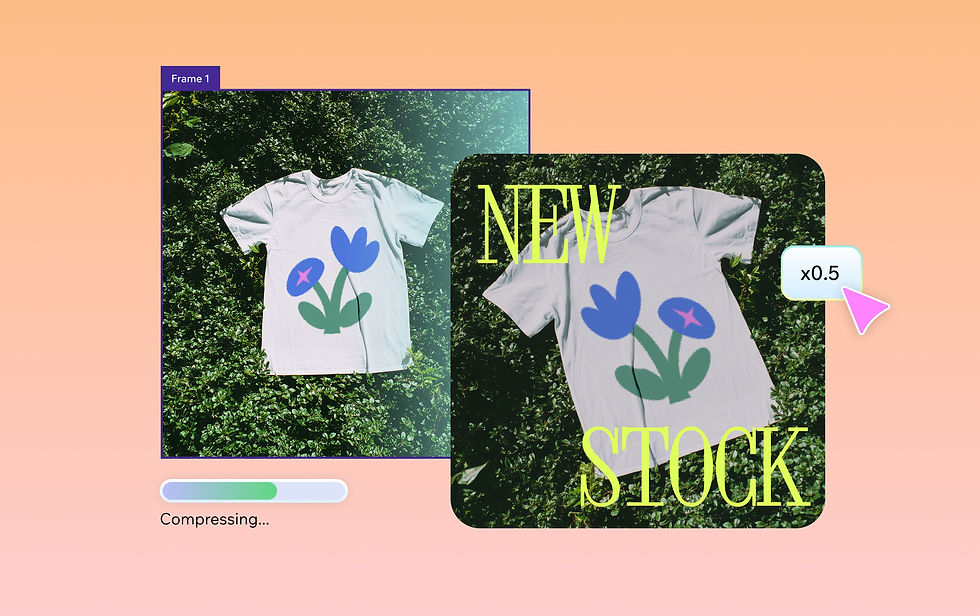
How to compress a JPG file
Follow these simple steps to compress your images for free while maintaining their original quality.
1. Upload your file
Click upload or drag your image into our online compressor. In addition to JPG, we support all common image formats.
2. Sign in or create a Wixel account
To begin compressing, sign in or create a free Wixel account.
3. Choose compression settings
Choose your preferred balance of file size and image quality. Preview results before finalizing.
4. Download your compressed image
Download your optimized JPG or another selected format, ready for sharing or storage.
5. Store or share
Attach your compressed JPG image to emails, post on social, or upload to a website.


FAQs
How do I reduce the size of a JPG file?
Upload your JPG to our free online image compressor and select your preferred compression level. Preview the results, then download your optimized image ready for sharing or storage. If you want to change other file types to JPG, Wixel offers free conversion for a variety of other formats, such as our HEIC to JPG converter.
Can I compress multiple JPG files at once?
Yes, our bulk compression feature lets you optimize images in batches. Simply upload the files you want to compress and apply the compression settings as normal.
Is the JPG compressor free to use?
Yes, our JPG compressor is free to use with a Wixel account. Create your account to access our compression tools and start optimizing your images. You’ll also be able to access features like our image resizer to edit photo dimensions.
What is a JPG compressor?
Our JPG compressor is an online tool that reduces image file sizes while maintaining visual quality. If you need to make other edits like cropping, adjusting colors, or replacing backgrounds—try our photo editor.
Create with confidence
This file type isn’t currently supported
We support most popular file types including: .jpg, .jpeg, .png, .heic, .heif, and .svg. Please also make sure your file size is 25MB or less.
Uploading your file
This should only take a few moments.