
Find the perfect wedding invitation template
Explore dozens of professional wedding invitation templates and customize them in minutes to create a unique invitation for your big day.
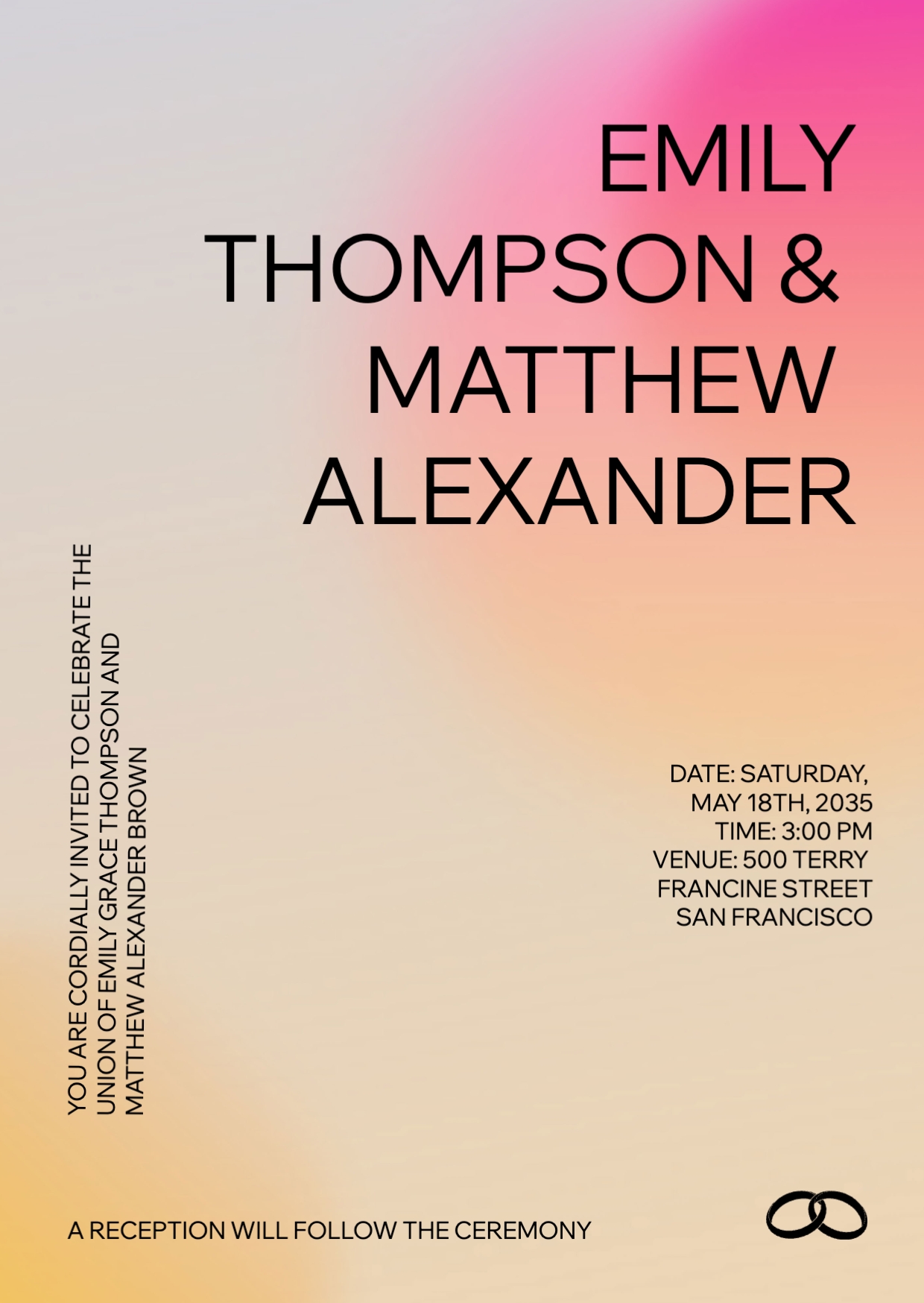
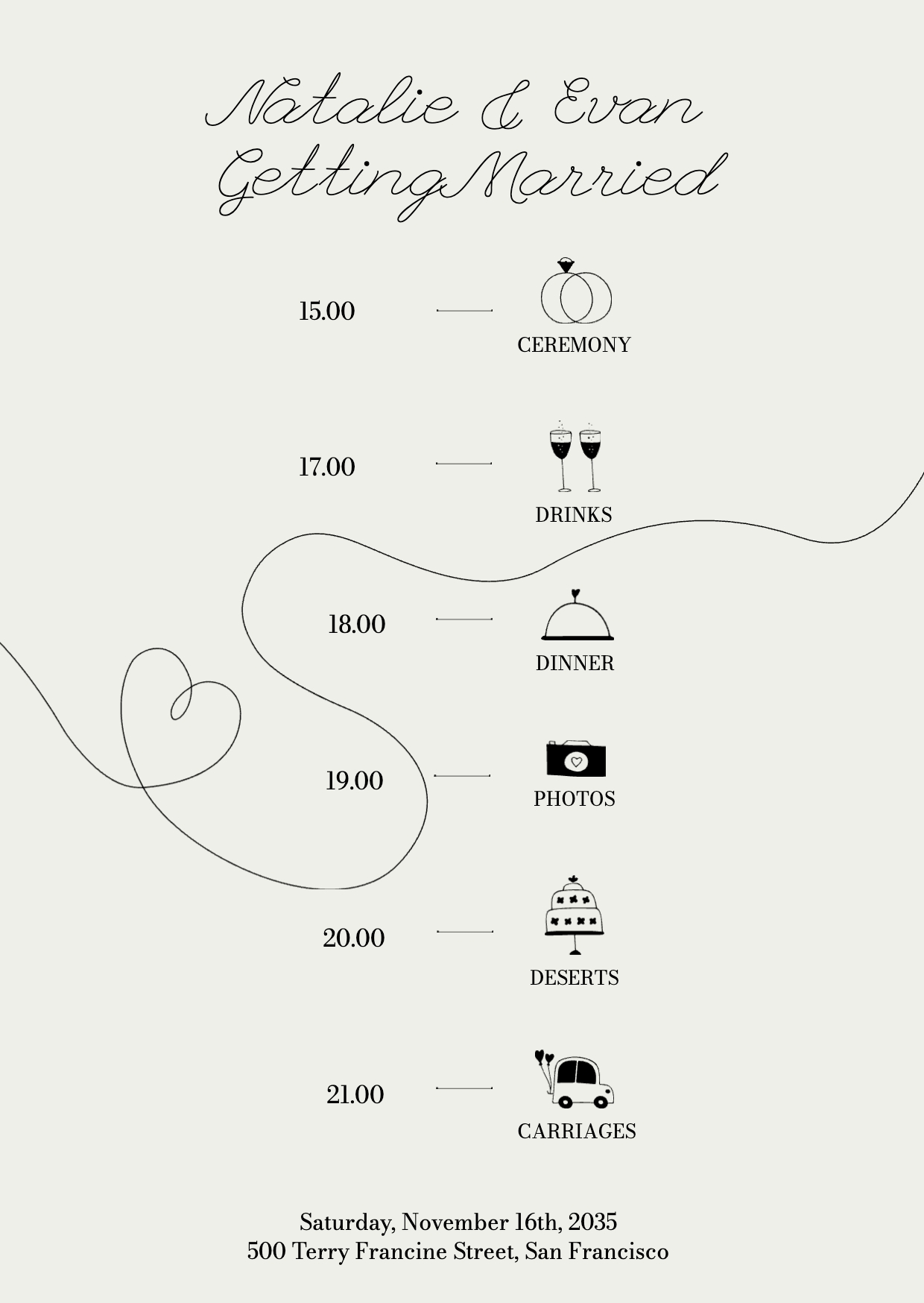
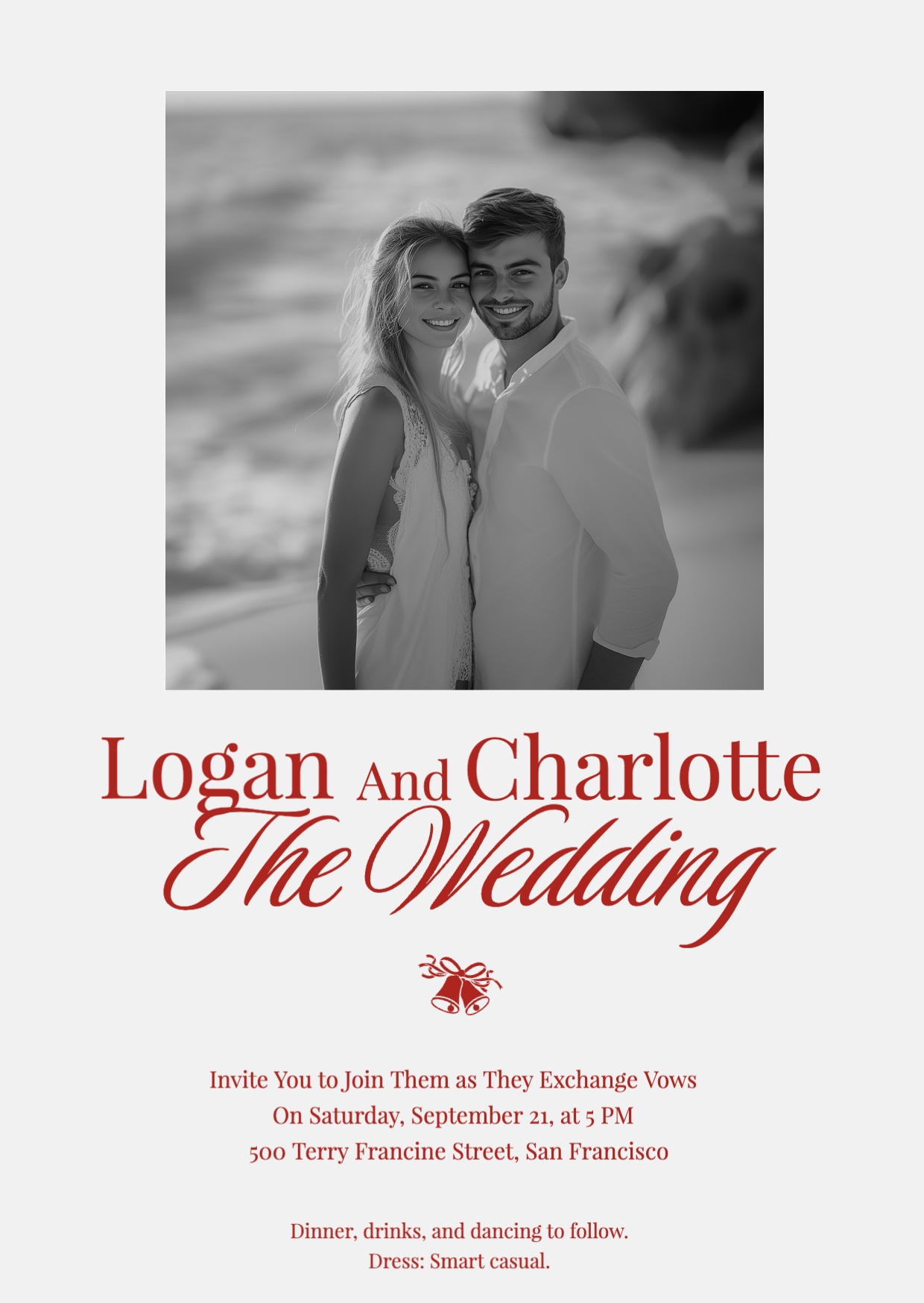





Your wedding invitation, your story
Create an on-theme wedding invitation
Choose a look that suits your venue and dress code, then fine tune type, color, and composition until your wedding invitation feels effortless and intentional.Edit with a simple drag and drop
Use the free wedding invitation maker to move elements into place, resize photos, and adjust spacing with intuitive controls so layout changes only take seconds.Beautiful in every format
Wixel’s online wedding invitation maker allows you to export high-quality files that look refined when printed, sent via email or shared on social.

How to create a wedding invitation
1. Choose your template
Browse our collection of editable wedding invitation templates and pick one that matches your theme, or start from scratch.
2. Sign in or create a Wixel account
To create your wedding invitation and save your progress, log in or create a free Wixel account.
3. Personalize your wedding invitation design
Add your details to a template that matches your theme or create your own wedding invitation from scratch.
4. Review and tweak
Preview your wedding invitation and make any final adjustments to ensure everything looks exactly how you want it.
5. Share and download your wedding invitation
Export your wedding invitation as a high-quality PDF for easy printing, or choose PNG or JPG formatting for lightweight digital sharing.


FAQs
How can I design unique wedding invitations online?
Start by choosing an editable wedding invitation template, or create your own from scratch. If you choose a template, you can personalize the fonts, colors and layout to match your theme. Beyond designer-made templates, Wixel has tools for everything you need to create a wedding invitation that feels uniquely yours. Use the AI image generator to turn a simple prompt into the exact visual you need to complete your wedding invitation.
Are there customizable wedding invitation templates for different themes?
Yes. There are fully editable templates for elegant, rustic, modern, minimalist styles, and more. Pick a wedding invitation template that fits your venue, dress code, and theme, then customize it with different fonts and color palettes. Use Wixel’s color wheel to find the right blend of colors, or build a palette from a reference photo using the color palette generator. Whether you already have a theme or need to create one, Wixel’s color tools have you covered.
Can I track RSVPs with the wedding invitation maker?
No, native RSVP tracking isn’t available on Wixel yet. For now, you can add a short link or QR code on your invite that directs guests to an online form or event page. Use one unique URL per guest and plus one, so responses are easy to match. Include fields for names, attendance, plus-ones, and dietary requirements on the RSVP form, and keep the call-to-action clear on both print and digital versions.
How can I download my wedding invitations?
Downloading is easy, it just takes a click or two. Once you’ve finished designing your invite and you’re happy with how it looks, you can download it as a high quality PDF for printing, or as a PNG or JPG for digital invites. If you’re sending the invite via email, we recommend running the wedding invitation through our image compressor, aiming for a file size of 5 to 10MB to make sure all of your wedding invitations are sent and delivered.
This file type isn’t currently supported
We support most popular file types including: .jpg, .jpeg, .png, .heic, .heif, and .svg. Please also make sure your file size is 25MB or less.