
How to convert HEIC files to JPEG
Follow these simple steps to get your compatible JPEG file
1. Upload your HEIC file
Select an image from your device and upload it into our converter.
2. Sign in or create a Wixel account
To convert your HEIC image to JPEG, you'll need to sign in or create a free Wixel account.
3. Choose your format
Select JPEG under file type and adjust the quality settings if needed.
4. Convert the file
Click download to process your image into the selected format.
5. Share or start designing
Your JPEG is ready to edit on Wixel, use in your next project, or share in your preferred channels.
FAQs
How do I convert HEIC to JPEG?
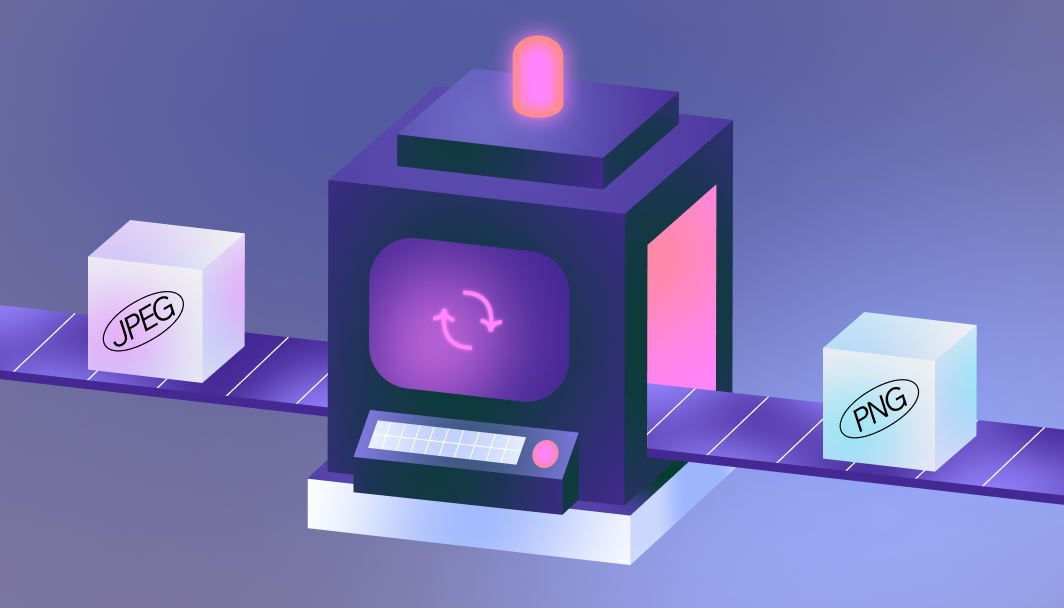
Upload your HEIC file to our converter, set your preferred image quality and size settings, and download in JPEG format.
Why convert HEIC to JPEG?
JPEG files are universally compatible across all devices, websites, and applications. Converting from HEIC ensures your images can be widely viewed and shared without compatibility issues.
Does converting HEIC to JPEG reduce quality?
Our converter maintains image quality during the conversion process. You can adjust quality settings to balance file size and visual clarity according to your needs. Plus, you can always use our image enhancer to achieve that polished look.
Is Wixel’s HEIC to JPEG converter free?
Yes, our HEIC to JPEG converter is free to use. Simply create an account to access the converter and transform your images without any cost.
Create with confidence
This file type isn’t currently supported
We support most popular file types including: .jpg, .jpeg, .png, .heic, .heif, and .svg. Please also make sure your file size is 25MB or less.
Uploading your file
This should only take a few moments.