A professional headshot that still looks like you
An AI headshot generator that keeps your face. Upload a few photos, pick a scene and an outfit, and get a headshot for LinkedIn or your resume.

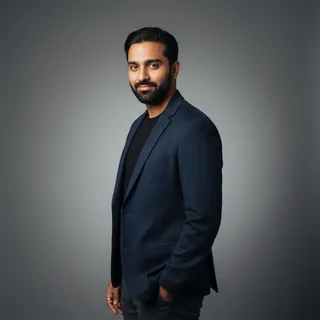




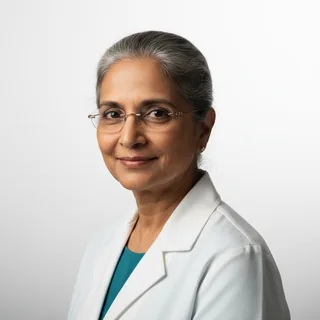





Your photos
Up to 3 photos of the same person. The first one is your main photo, so pick your best. Face the camera, good light, no sunglasses.
Framing
How much of you is in the picture. It's square either way, because that's what a profile photo wants.
Scene
Where you'll look like you are. The studio backdrops work in the most places — or describe your own.
Clothes
Keep what you're wearing, put on one of these, or describe your own.
Expression
What your face is doing. Keep the expression from your photos, or ask for another.
Anything to keep or avoid
What you do, and anything to keep or leave out. It's not written on the picture.
How to make an AI headshot from your photos
Upload a few photos
Upload up to 3 photos of the same person, PNG or JPG. The first one is your main photo, so pick your best.
Pick a scene, an outfit and an expression
Choose a studio backdrop or an office, what you're wearing and how you're smiling, or describe your own.
Download your headshot
Your headshot is ready in about a minute. Download it for LinkedIn, your resume or your website, or keep editing it in Wixel.
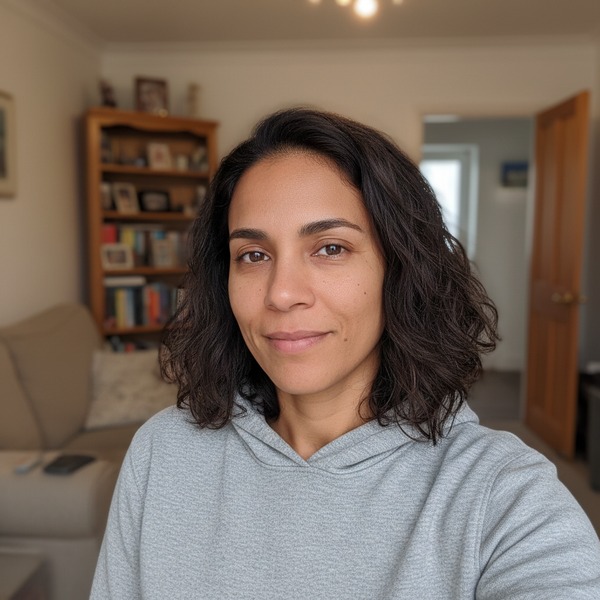
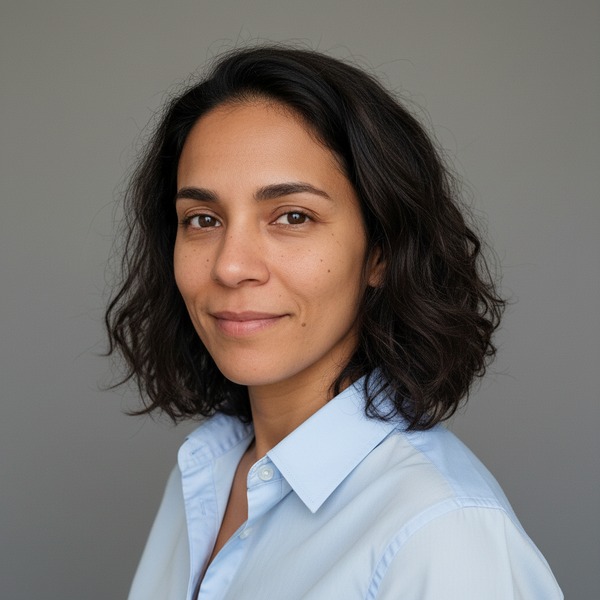
FAQ
Will my headshot still look like me?
Yes. Your face, hair and features come from your photos. Only the scene, framing, clothes and expression change, and you choose those.
How does the AI headshot generator work?
Upload photos of yourself and pick a scene, an outfit and an expression. Wixel keeps your face from your photos and creates the rest, so you get a professional headshot without a photo shoot.
What photos should I upload?
Up to 3 clear photos of the same person, facing the camera in good light, with no sunglasses. The first photo is the main one your headshot is matched to, and the others help with angles.
Can I use it as my LinkedIn profile picture?
Yes. Your headshot is square, which is what LinkedIn profile pictures use. It also works for your resume, your company website, your email signature and social profiles.
Is it free?
It's free to try. Each headshot uses Wixel credits, and a free Wixel account comes with credits every month.
Do I need an account?
Yes. You sign in to Wix before your headshot is created, so it's saved to your account and you can download it again later.