

online store
bookings
events
popup

Table of Contents by Hullspark
By
Blog table of contents from your post headings
No Reviews Yet
Free plan available

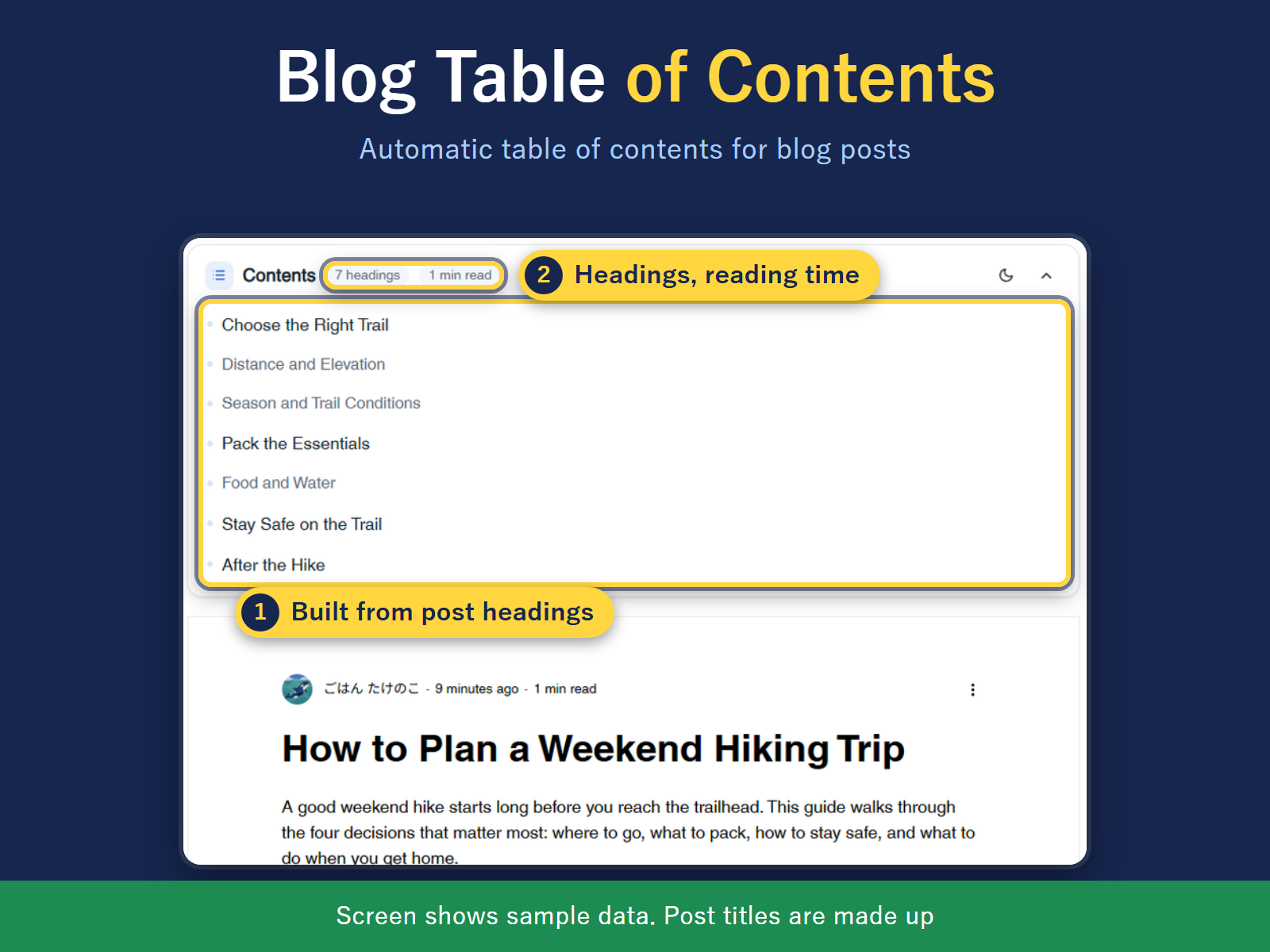
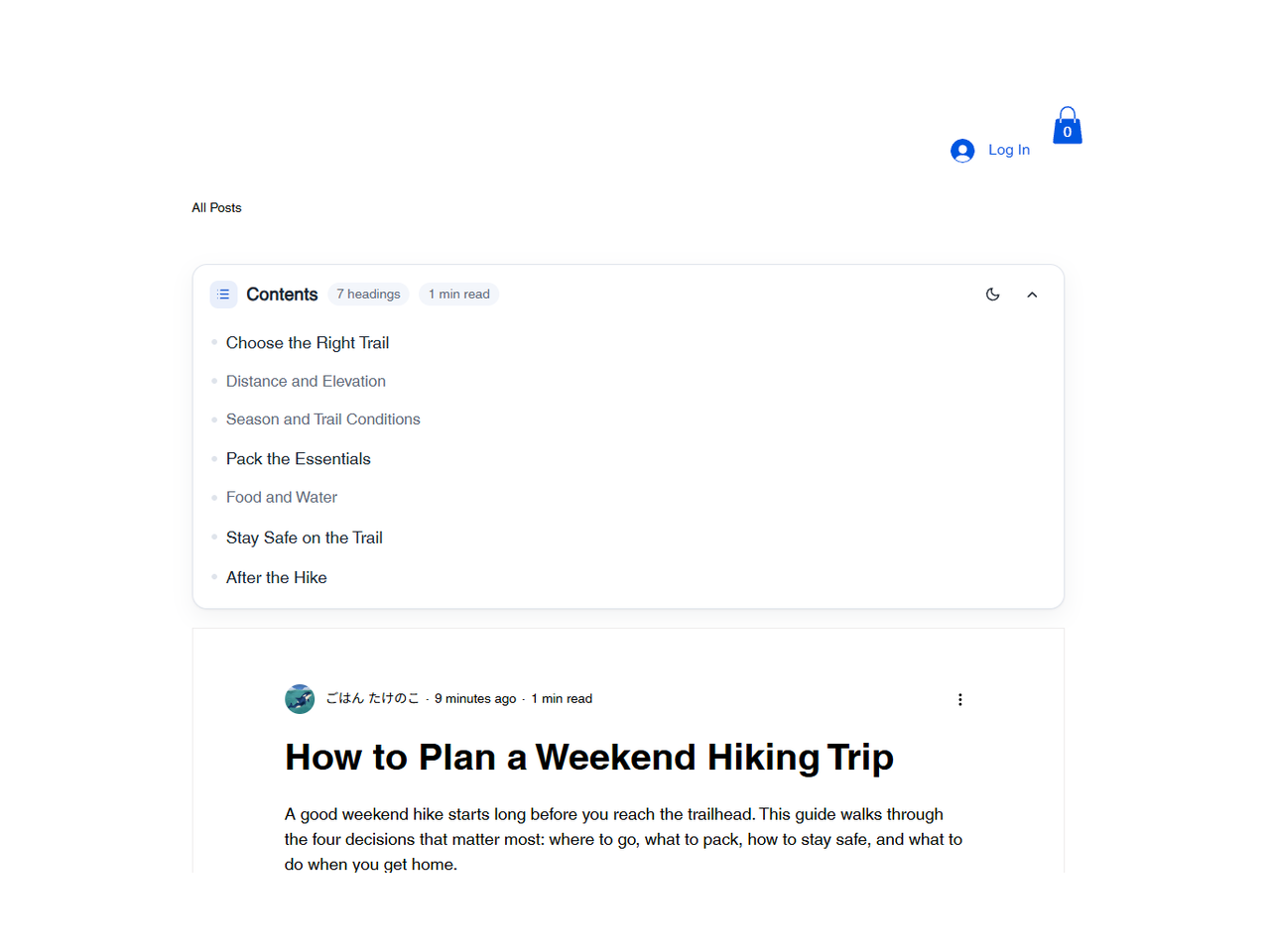
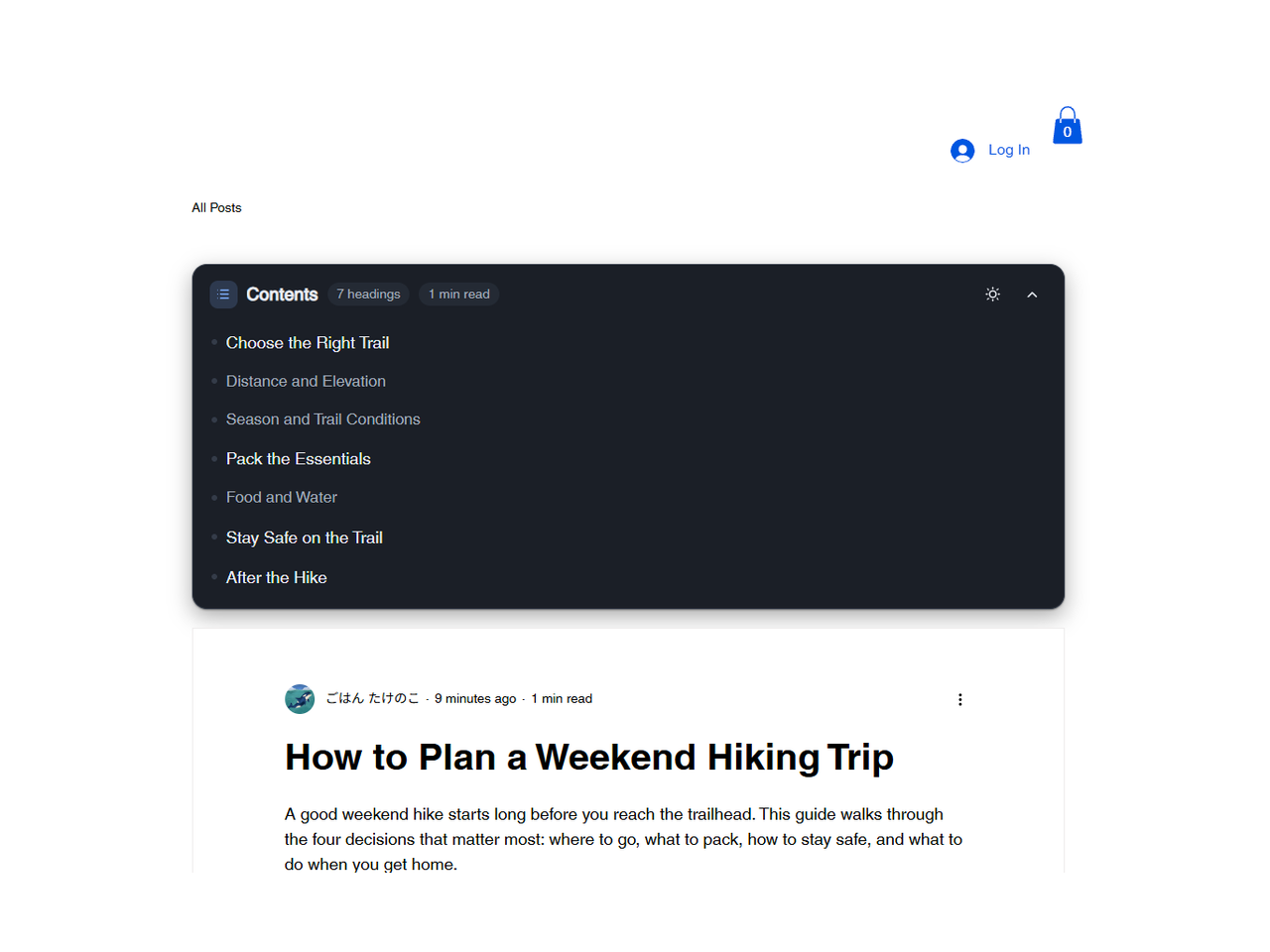
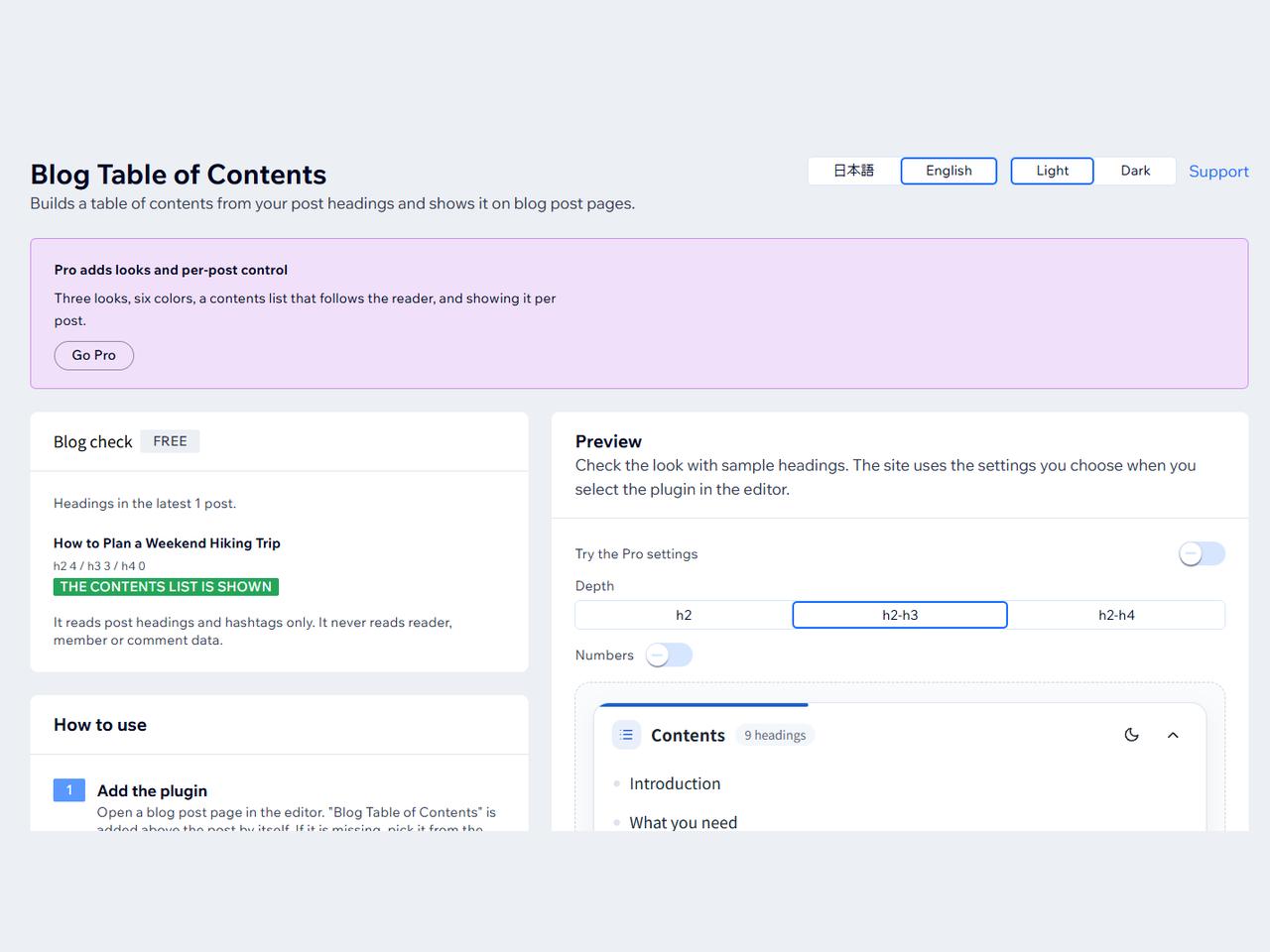
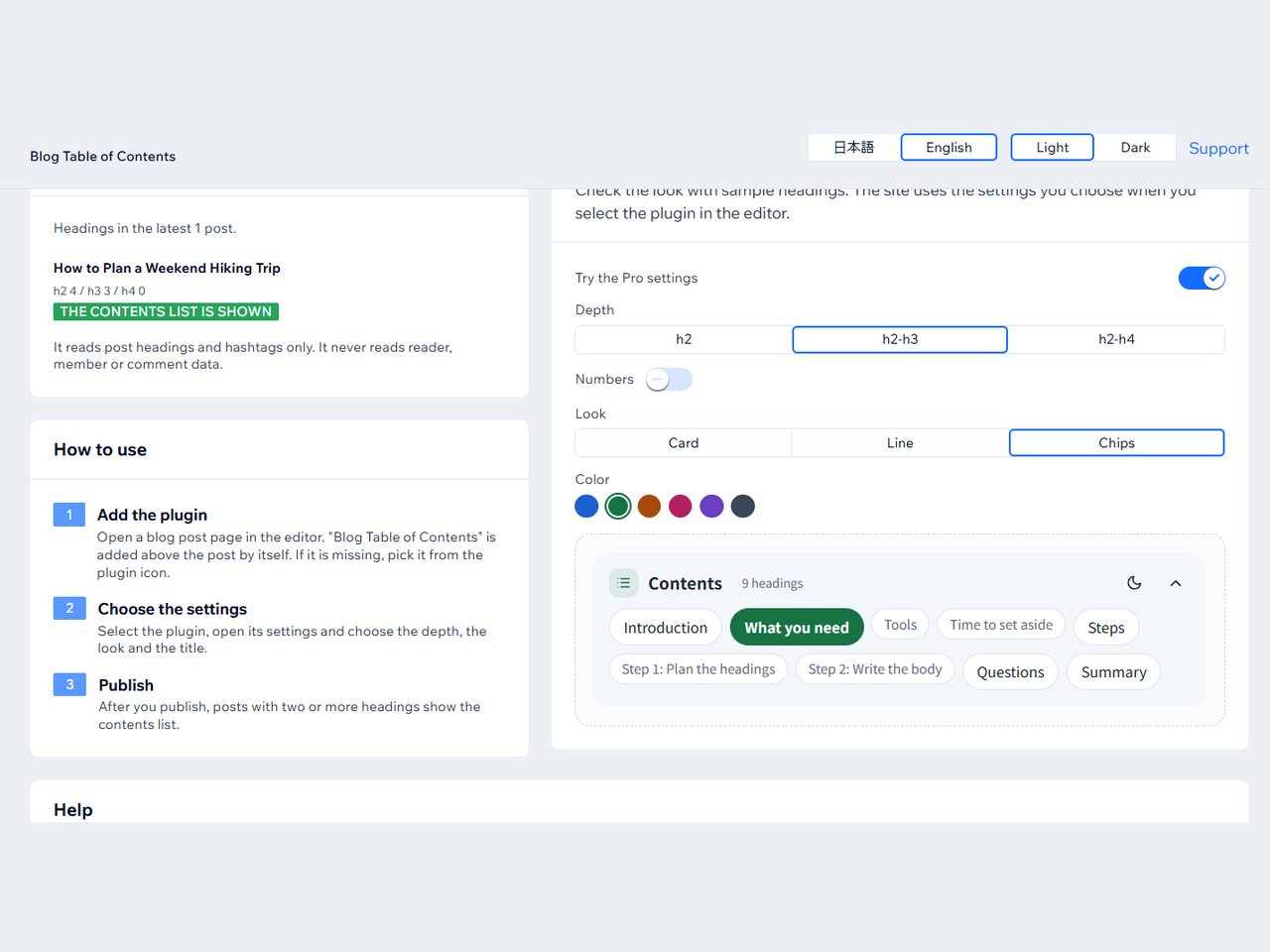
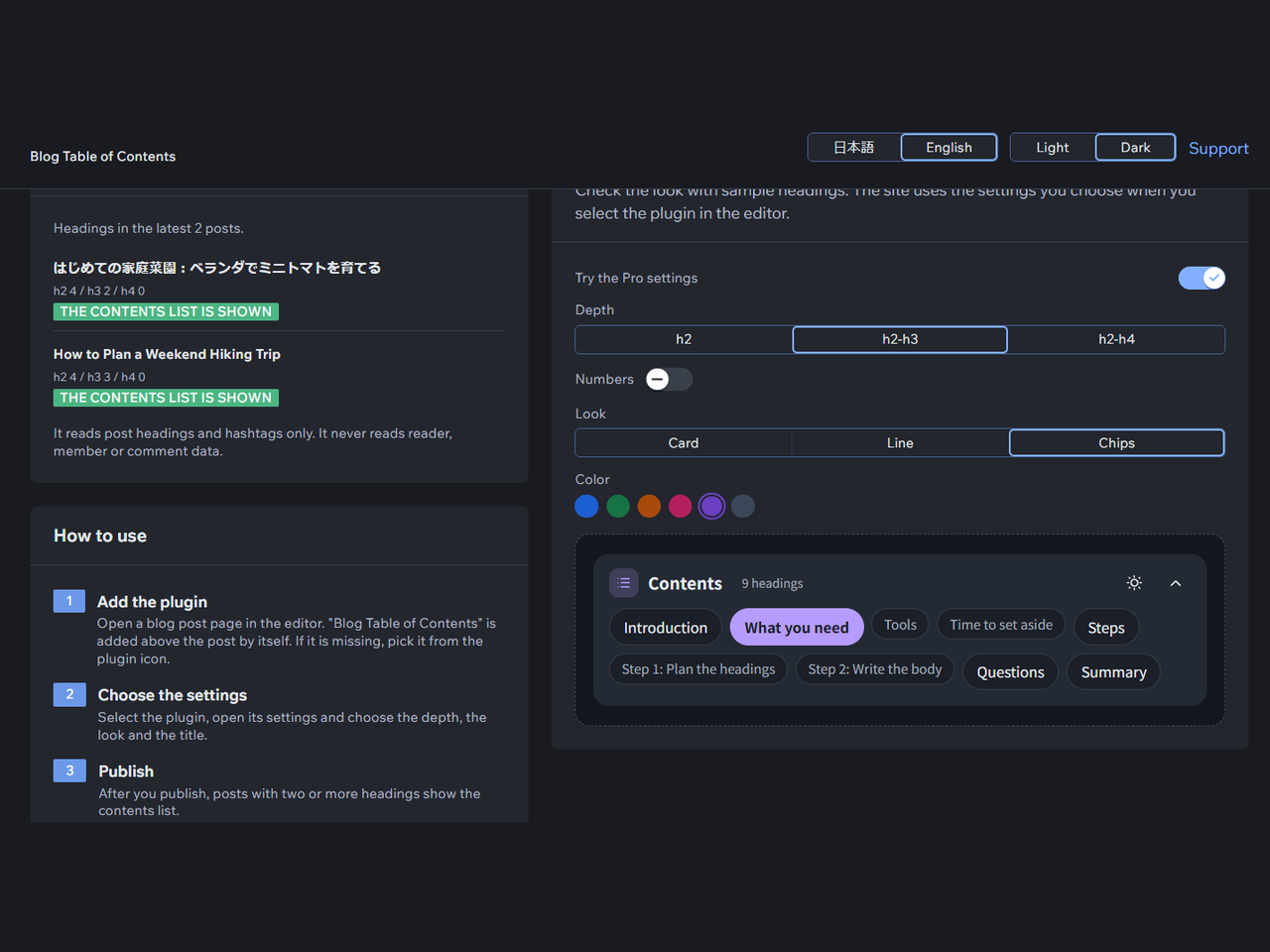
Table of Contents by Hullspark overview
- Contents list built from post headings
- Select a line to jump to the heading
- Depth: h2, h2 to h3, or h2 to h4
- Works with Japanese headings
Rating & Reviews
This app hasn’t received any reviews yet, be the first to rate it.Pricing & plans
Basic plan
Free
Contents list on posts with headings
Depth, title, numbering, minimum count
English or Japanese, light or dark
All looks, layouts, colors and text size
Pro plan
$
2
39
/month
Contents list that follows the reader
Per-post control with #notoc or #toc
"Read next" cards at the end of a post
Free: every look, color and text size
* Price is in USD.